Instagram Profile Grid Planner: Preview Your Feed Before You Post
An Instagram profile grid planner lets you preview your feed before posting. Learn the 3:4 tile size, the bottom-up planning method, and the best free tools.
An Instagram profile grid planner lets you preview your feed before posting. Learn the 3:4 tile size, the bottom-up planning method, and the best free tools.
Learn how to use the Instagram Threads app in 2026: setup, posting, feeds, privacy controls, and a realistic growth playbook for text-first content.
100+ Instagram Notes ideas that actually get replies, from funny and cute to business and morning Notes, plus how to post them and a simple weekly formula.
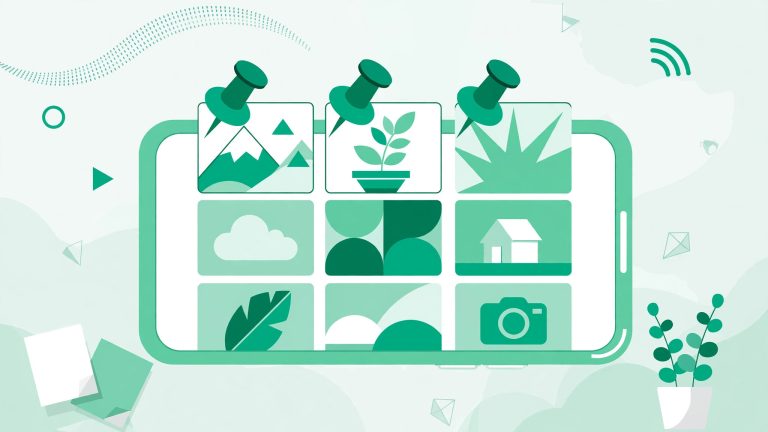
Learn how to pin posts on Instagram, how the 3 pinned slots work, how to reorder them, and how to use them to turn profile visitors into followers.
Learn how to repost an Instagram Story when you are tagged, how to share untagged Stories with permission, and how to reshare your own archived Stories step by step.
Instagram collab post not working? Learn why the Invite Collaborators button is missing and how to fix it with 9 proven steps for posts and Reels.

Learn how to add music to Instagram posts, Stories, Reels, and carousels, plus how to change audio on a published post and what to do when music is missing.
The short answer: yes, you can get more Instagram followers in the UK without buying them or using spammy tricks. UK growth comes down to making your profile discoverable to British audiences and posting content that resonates locally. These seven strategies give you a practical roadmap. Instagram has no UK-specific growth switch, but its location…
The fastest way to download an Instagram Reel in 2026 depends on whose Reel it is. For your own Reels, open the Reel, tap the three dots, and choose Save Video to download it straight to your camera roll. For someone else’s Reel, Instagram offers no built-in download button, so you use a third-party downloader…
To see Instagram Insights, open the Instagram app, tap your profile picture, then tap Professional dashboard and See all insights. On desktop, go to instagram.com, select Dashboard from the left menu, then Insights. You need a public account, and you get account data for the past 90 days plus up to two years of data…