How to Sell on Instagram Shop: 2026 Setup Guide
To sell on Instagram Shop in 2026, switch to a business account, create a shop in Meta Commerce Manager, connect a product catalog, add a checkout link to your own website, and submit your shop for review. Once Meta approves it, you can tag products in posts, Reels, and Stories so shoppers can tap through to your website to buy. Instagram no longer runs its own in-app checkout for most sellers, so your shop works as a discovery channel that sends buyers to your store.
What Is Instagram Shop in 2026
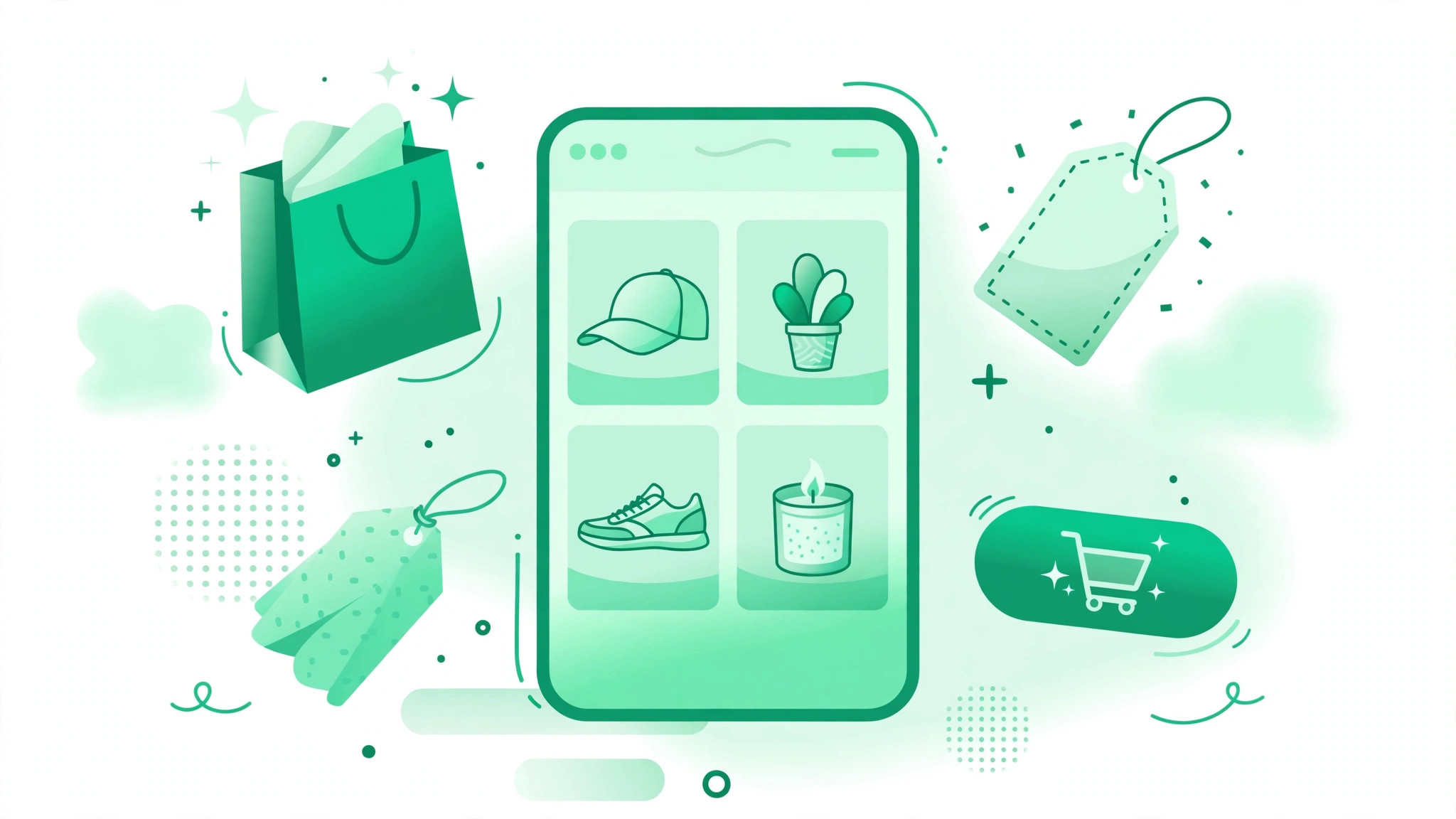
Instagram Shop is the set of selling features built into Instagram: a shop section on your business profile, product tags on posts and Reels, and a product catalog managed through Meta Commerce Manager. Shoppers browse your products without leaving Instagram, then tap a product tag to visit your website and complete the purchase there.
Three changes define the 2026 version. The dedicated Shop tab disappeared from Instagram navigation in early 2023, so your profile itself is now the storefront. Live shopping was discontinued in March 2023. As of September 2025, shops use website checkout, which means buyers pay on your own site rather than inside the app. Meta added product tagging directly in Reels in April 2026, making short video the strongest selling format today.
Instagram Shop Requirements and Eligibility
Meta lists five eligibility areas, and your shop must satisfy all of them before approval.
- A professional account: you need an Instagram business account, not a personal one.
- A supported country: your business must operate in a country where Instagram shopping is available.
- Compliance with policies: your account must follow Meta commerce policies and Instagram community standards.
- A domain you own: you need a website where the products are actually for sale, because checkout happens there.
- Accepted products: Instagram Shop is for physical goods. Services, downloadable digital products, and regulated items such as alcohol and medical products are excluded or heavily restricted.
How to Set Up Instagram Shop: Step by Step
Step 1: Switch to a Business Account
Open your profile, tap the menu, go to Settings and activity, then Account type and tools, and choose Switch to professional account. Select Business, pick the category that best describes what you sell, and add your business contact details. Switching is free, and it unlocks Insights for measuring sales later.
Step 2: Create Your Shop in Meta Commerce Manager
Commerce Manager is Meta tool for managing products sold on Facebook and Instagram. Open it, click Get started, choose your commerce platform or the option for none of them, and add your Instagram account as a sales channel. If you sell through Shopify, install the Facebook and Instagram app from Shopify instead, because it syncs your catalog automatically.
Step 3: Build or Connect Your Product Catalog
Your catalog is the list of products, prices, images, and stock levels that Instagram displays. Sync it from a platform such as Shopify or WooCommerce, upload a product feed, or add products manually in Commerce Manager. Syncing is best for most sellers because prices and stock stay current without manual work. Use clear photos, honest descriptions, and accurate prices, since catalog errors are a common reason shops get rejected.
Step 4: Add Your Checkout Link and Submit for Review
Add a checkout URL that sends buyers from Instagram to your website checkout. Meta says a shop cannot be visible without it. Add delivery settings, return information, and business details, then check that every product link opens a working page on your site. Submit for review: Meta says it can take up to four weeks, though many sellers hear back within a few days. If you are rejected, fix the exact problem named in the message and resubmit.
Step 5: Tag Products in Posts, Reels, and Stories
After approval, tag products whenever you publish. In a post, upload your photo, tap Next, choose More options, then Tag products, select the items shown, and share. Product tagging now works in Reels too, where most discovery happens. Keep tags accurate: tagging products that are not visible in the image frustrates shoppers and can trigger policy issues.
How to Optimize Your Profile for Selling
Your profile is your storefront window, so treat it like one. Use a clear profile photo, usually your logo. Write a bio that says what you sell, who it is for, and why it is worth a tap. Use Story Highlights to save your best product demos, customer reviews, and current offers so they stay visible after 24 hours. For a structured starting point, read our guide on how to get more followers on Instagram and apply its consistency and niche tactics before you spend money on ads.
4 Strategies to Sell More on Instagram Shop
1. Lead With Reels That Demonstrate the Product
Reels drive discovery, and product tagging in Reels turns discovery into shopping. Show the product solving a real problem or being used in a real setting. Keep the first two seconds visual and specific, because that is when viewers decide whether to keep watching.
2. Curate User-Generated Content
Repost customer photos and videos to your Story or feed. Real customers using your product are more convincing than polished brand shots, and they cost nothing to produce. Always ask permission before reposting someone content.
3. Partner With Micro-Influencers
Accounts with 10,000 to 100,000 followers tend to deliver the highest average engagement rates, according to Sprout Social, and cost far less than celebrity creators. Gift products to creators who already use things like yours, and let them tag your products in their own posts.
4. Use Instagram SEO and Hashtags
Instagram search ranking is driven by keyword usage in captions, on-screen text, transcribed audio, and hashtags. Write captions that name the product and the problem it solves in plain words. A free Instagram hashtag generator can help you build tag sets matched to your niche instead of reusing the same ten tags on every post.
How Much Does It Cost to Sell on Instagram Shop
Creating a shop and tagging products is free. Instagram charges nothing to list products. Your costs come from your ecommerce platform plan, payment processing fees on your own checkout, ads, and content production. As of August 2025, sellers are responsible for collecting sales tax on orders placed through their shop, so set up tax settings in your platform before your first sale.
Common Mistakes That Get Shops Rejected
- Catalog errors: wrong prices, missing images, or product links that lead to dead pages.
- Policy violations: listing banned items, making medical claims, or using misleading before-and-after images.
- Incomplete business information: missing contact details, no return policy, or a domain that does not match the business name.
- Tagging unrelated products: tagging items that do not appear in the photo or video.
Instagram Shop FAQ
Do I need a website to sell on Instagram Shop?
Yes. Since September 2025, checkout happens on your own website, so you need a working store with a checkout page, a verified domain, and a checkout URL in Commerce Manager.
Final Thoughts
Selling on Instagram Shop in 2026 is simpler than the old guides make it sound, but it is also less magical. There is no in-app checkout doing the work for you. Your job is to build a clean catalog, get approved, and publish tagged content that shows real products solving real problems. Start with your best-selling items and tag them in Reels. For more ideas on growing the audience that sees your shop, explore the free Instagram growth tools on bigfollowers.in.