Instagram Story Stickers That Boost Engagement (2026)
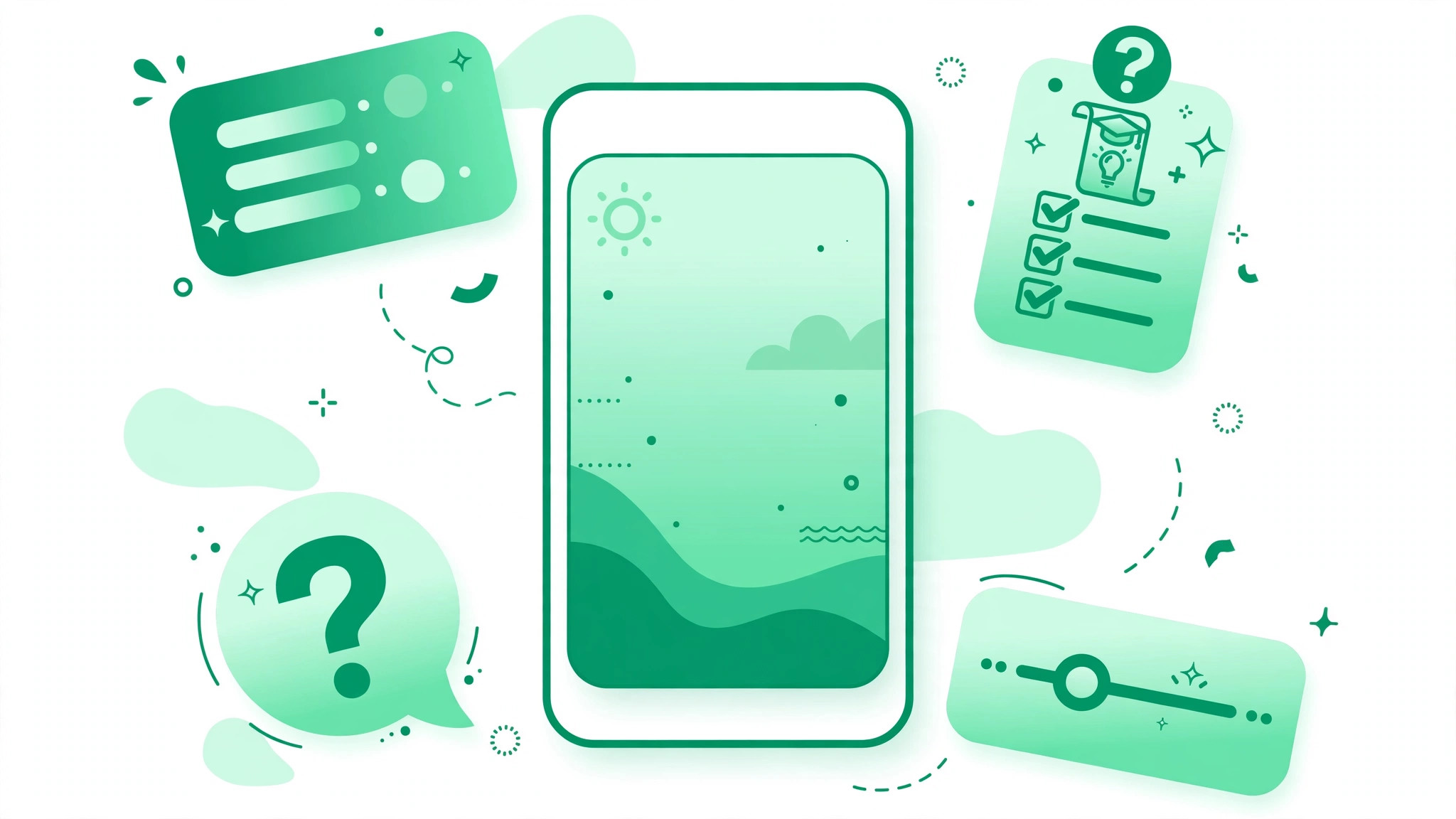
Instagram Story stickers boost engagement by turning passive viewers into active participants. Polls, quizzes, question boxes, emoji sliders, countdowns, and link stickers each give followers a one-tap way to respond, and every tap is a signal that Instagram reads as stronger than a plain view. The stickers that work best are the ones matched to a clear goal before you design the Story.
Why Instagram Story Stickers Boost Engagement
Most Instagram Stories get watched silently. Someone taps through your slides in a few seconds, and you get a view count that tells you almost nothing about whether anyone cared. Story stickers change that equation. A poll asks for one tap. A quiz asks for a guess. A question box asks for a typed reply. Each interaction is measurable, and each one tells Instagram that the viewer is paying attention, which is why interactive Stories tend to hold viewers longer than silent slides. The most common mistake is using stickers as decoration. Decide the goal first, then pick the sticker that serves it.
The 7 Instagram Story Stickers That Boost Engagement
| Sticker | What It Does | Best Goal |
|---|---|---|
| Poll | Two-option vote | Quick feedback |
| Quiz | Multiple choice, one right answer | Education |
| Question box | Open text replies | Q and A, research |
| Emoji slider | Drag an emoji on a scale | Gauging reactions |
| Countdown | Timer with reminder | Launches |
| Link sticker | Tap-through link | Traffic, sales |
| Add Yours | Followers add a Story to a chain | Community |
1. Poll Sticker: The Lowest-Friction Engagement Tool
Voting takes under a second and feels almost effortless, which is why polls reliably get more responses than anything else you post. Ask about something you actually want to know: which of two products should we restock, morning routine or evening routine, text posts or video. Share the result in a follow-up Story and act on it, so voters see their tap meant something. Avoid filler polls that teach you nothing.
2. Quiz Sticker: Teach While You Entertain
Where a poll measures a preference, a quiz teaches something. Guessing and then seeing the correct answer creates a small memory, and the viewer learns something or confirms what they knew. Formats that work include myth-busting on a common misconception in your niche, product knowledge questions, and brand trivia. Keep questions neither too easy nor too obscure, and use plausible wrong answers to make the reveal satisfying.
3. Question Box: Your Best Research Tool
The question box generates open text responses, which means it surfaces qualitative data, not just binary votes. It is the highest-effort sticker for the audience, because typing takes more work than tapping, so you will get fewer responses than a poll, but the responses you get are genuinely informative. Specific prompts work best: what is one thing you wish you knew before you started, or what type of content do you want more of. Turn good questions into content by answering them in a Story or Reel.
4. Emoji Slider: A Directional Signal in One Drag
The emoji slider asks the audience to drag an emoji along a scale, from low to high or cold to hot. It is frictionless, with no tapping or typing required. Use it when you want a directional signal rather than a binary one: how excited are you for the launch, or how useful was this tip. What you get back is an average score, not individual responses, so treat it as an impressionistic signal, not a precise measurement.
5. Countdown Sticker: A Reason to Come Back
The countdown sticker creates a reason for your audience to return. When a viewer subscribes to a countdown notification, Instagram alerts them when the timer reaches zero. Use countdowns for product launches, promotions with an end date, live sessions, and content drops. Use them sparingly. Their power comes from meaning something, and an account that runs a countdown every other day conditions its audience to ignore them.
6. Link Sticker: Turn Engagement Into Clicks
The link sticker is the only sticker that takes viewers off Instagram, so it belongs at the end of a sequence, not the start. A link dropped on slide one gets far fewer taps than the same link after three or four slides that warmed the viewer up. Pair it with urgency, such as an offer that closes Friday. A strong caption matters too: our Instagram caption generator can help you draft words that sell the click.
7. Add Yours: Community Participation at Scale
The Add Yours sticker starts a chain: you post a prompt, and followers add their own Story to it. It works best for prompts that are easy and personal, such as show your workspace or your morning coffee. Because each response is a new Story, the chain spreads your prompt to audiences you would never reach alone. Keep the prompt simple and visual so participation feels easy.
How to Add Stickers to Your Instagram Story
Open the Stories camera or upload a photo or video, tap the sticker icon (the small square face near the top of the screen), and pick from polls, questions, quizzes, sliders, countdowns, links, and more. Tap the sticker you want, customize the text or options, then drag it into place and resize it before you post. Place interactive stickers in the center-upper area of the slide, not tucked into a corner or the bottom. One sticker per slide is the rule: multiple stickers create visual noise and split the viewer’s attention.
A 5-Slide Sticker Sequence That Converts
A well-designed Story sequence moves the viewer from awareness to interest to participation to a direct message conversation in a single session. Here is a sequence that works for most brands:
- Slide 1: A striking visual or hook statement. No sticker. The job of this slide is to stop the swipe.
- Slide 2: A poll: does this problem affect you, yes or no.
- Slide 3: A quiz or myth-bust related to the problem you just raised.
- Slide 4: A question box: what have you tried so far.
- Slide 5: A link sticker, call to action, or countdown.
Each slide qualifies the viewer and increases their investment before asking for a click. By slide five, only people who are genuinely interested are still watching, so your link tap rate will be much higher than if you had put the link on slide one. If you want help wording your Stories, the Instagram caption generator is a useful starting point, and our Instagram hashtag generator helps when you turn the Story topic into a feed post.
How to Measure Sticker Engagement
Track completion rate, poll response rate, question box response volume and quality, and countdown subscriptions. Check your Stories analytics per post rather than relying on cumulative averages, and compare sequences with and without interactive stickers to see the real difference.
Mistakes That Kill Sticker Engagement
- Sticker at the end of a slide: Most people tap through before they reach it. Place it where eyes land first.
- Five stickers on one slide: One sticker per slide. More splits attention and looks noisy.
- Same poll format every week: The same question every Monday becomes invisible. Vary the format and topic.
- Ignoring responses: If you never acknowledge question box replies, your audience stops responding.
- Asking filler questions: Polls that teach you nothing train your audience to ignore your polls.
- Treating stickers as decoration: Every sticker should serve a goal: feedback, education, conversation, anticipation, or a click.
Instagram Story Stickers FAQs
Which Instagram Story sticker gets the most engagement?
The poll sticker usually gets the most responses because voting takes one tap and almost no effort. Question boxes get fewer responses but far richer ones. The best sticker depends on your goal: polls for quick feedback, question boxes for conversations, quizzes for teaching.
Do Story stickers increase reach?
Interactive stickers tend to boost reach because Instagram treats a tap or a vote as a stronger engagement signal than a plain view, but only if people actually interact with them. A sticker nobody taps does nothing for your reach.
Can I see who voted on my Story poll?
Yes. You can see poll results within 24 hours in the Stories preview, where you will also see the name of every voter. Results disappear with the Story after 24 hours unless you save the Story to a highlight, so check them before they expire.
Stickers work best as part of a wider Instagram strategy. Feed posts bring reach and discoverability, while Stories build depth and conversation with existing followers. For more ways to grow that audience, explore the Instagram growth tips on our homepage.