Instagram Story Swipe-Up Alternatives (2026): Link Sticker and 4 More Ways to Share Links
The best Instagram Story swipe-up alternative is the Link sticker, which replaced swipe-up in 2021 and is now available to all accounts, with no 10,000 follower minimum. You add it from the sticker tray, paste your link, and viewers tap it to visit your page. Other good alternatives include the up to 5 native bio links on your profile, links shared in DMs, the product sticker for shopping, and a limited Meta Verified test that lets some verified accounts add links to captions. If the Link sticker is missing from your account, it is usually because the account is brand new or has repeated Community Guidelines violations.
Swipe-up was simple. Viewers swiped up on a Story and landed on your link. The Link sticker works the same way, but it is better in two respects. First, anyone can use it, so small accounts are no longer locked out of sharing links. Second, a sticker can sit anywhere on the slide, and you can change its text, so it can say something specific like Shop the look or Read the guide instead of a generic See more. If you want more people tapping your Stories in the first place, our guide on how to get more likes on Instagram covers the engagement habits that make your content worth tapping.
How to Use the Instagram Link Sticker Step by Step
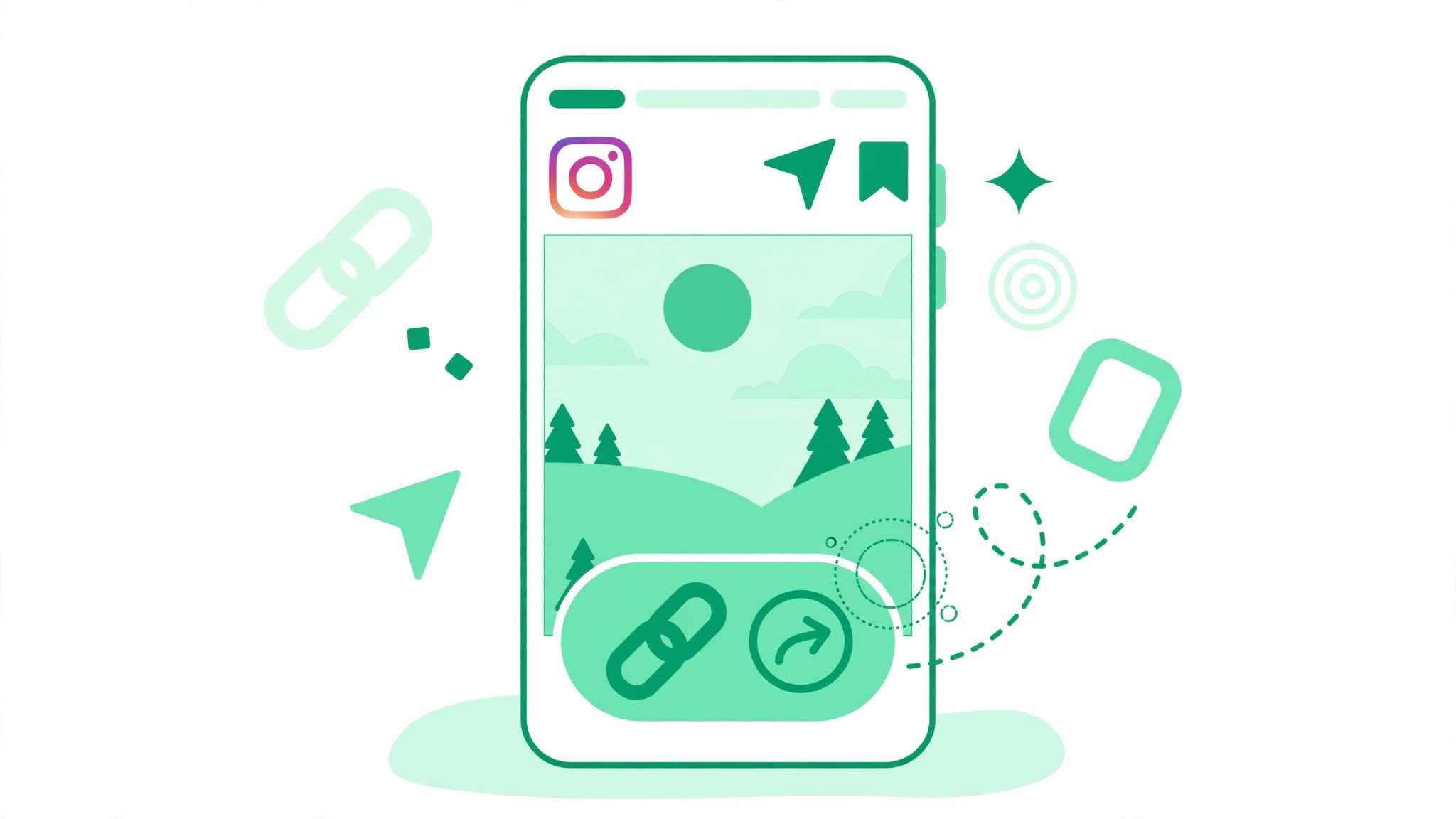
Adding a Link sticker takes less than a minute. Open the Instagram app and create a Story with a photo or video. Tap the sticker icon at the top of the screen, then tap Link. Paste the full URL you want to share, then tap Done. You can tap the sticker to change its text to something specific, and drag it to any position on the slide. Then publish the Story as normal. A few rules are worth knowing. You can only add one Link sticker per Story slide, so if you need two links, use two slides. Link stickers work in organic Stories, while ads use a call-to-action button instead. Short, specific sticker text gets more taps than a bare URL.
Instagram Story Link Sticker Tips That Get More Taps
A Link sticker only works if people notice it and trust it. Give the link context before the sticker appears. Tell viewers in the Story itself what they will find when they tap, and why it is worth their time. Put the sticker somewhere easy to reach, away from the top of the screen where the Story progress bar sits, and away from the bottom where the reply bar sits. Keep the promise honest. If the sticker says Free guide, the link must lead to a free guide. Track which Stories get taps by checking your Story insights, and repeat the formats that perform best.
4 More Instagram Swipe-Up Alternatives
1. Bio links on your profile
Since 2023, every profile can add up to 5 native bio links, though only the first one shows directly on your profile and the rest sit behind a tap. A bio link is the oldest alternative to swipe-up, and it still works. Point people to it from your Stories with a simple Link in bio message. Keep your bio tidy and make the first link your most important one. If your bio needs work, our free Instagram bio generator can help you write a short bio that tells visitors what you do and where to click.
2. Links in DMs
You can send links in direct messages, which is useful when a follower asks for a link in a comment or a Story reply. Answer with the link in a DM, or use a saved reply if you get the same request often. DM links feel personal, but they do not scale, so use them for individual requests rather than as your main link strategy.
3. Product sticker for shopping
If you sell products, the product sticker lets viewers tap a product in your Story and go straight to it. You can tag up to 5 products per Story, and the sticker shows the product name and price. It only works for accounts with a connected shop, but for sellers it converts better than a plain link because viewers can see what they are buying before they tap.
4. Meta Verified caption links
Meta has tested letting some Meta Verified accounts add links directly in post captions, with reports from March 2026 describing a limit of up to 10 links per month. Treat this as a limited test, not a feature you can rely on. It may not be available on your account, and the terms could change. If you are verified and see the option, use it for your most important links, but keep the Link sticker as your main method.
Why Is the Instagram Link Sticker Missing
If you cannot find the Link sticker, check the common causes first. Brand-new accounts sometimes do not have it yet, and it usually appears after the account has been active for a while. Accounts with repeated Community Guidelines violations can lose access to link features. Make sure your app is updated, because an old version may not show the sticker at all. If the app is current and the account is established, log out and back in, or reinstall the app. If it is still missing, the bio link is your best option until it arrives.
Paid Link Pages: What Changed in 2026
Instagram has also moved into paid link pages. Meta One paid plans, which began rolling out in September 2026, include a link page with up to 20 links for subscribers. Prices and availability vary by region, and the plans are still rolling out. A paid link page is not necessary for most creators. Five native bio links and the Link sticker cover the needs of most accounts, and a free link page tool or your own website can do the same job without a subscription. For more free tools to support your growth, visit bigfollowers.in and explore the free Instagram tools on the homepage.
Frequently Asked Questions About Instagram Story Swipe-Up Alternatives
What replaced the Instagram swipe-up link?
The Link sticker replaced swipe-up in 2021. You add it from the sticker tray in Stories, paste your link, and viewers tap the sticker to open it. Unlike swipe-up, it is available to all accounts.
How many Link stickers can I add to one Story?
Only one Link sticker per Story slide. If you need to share two links, use two slides, or put one link in the sticker and send people to your bio for the other one.
Why can I not find the Link sticker on Instagram?
The usual causes are a brand-new account, repeated Community Guidelines violations, or an outdated app. Update the app first, then check again after the account has been active for a while. Bio links are the best backup until the sticker appears.