Instagram Restrict vs Block: Key Differences Explained (2026)
Instagram Restrict vs Block comes down to one question: do you want to quietly limit someone, or cut them off completely? Restrict is the quiet option. It hides the person’s new comments from everyone except them, moves their messages to Message Requests, and hides your activity status and read receipts, all without telling them. Block is the stronger option. It removes their access to your profile, deletes their old likes and comments from your posts, and stops their messages from reaching you at all.
Both tools are free, reversible, and send no notification to the other person. The difference is how much changes, and how visible that change is. This guide explains exactly what Restrict and Block do, how they differ side by side, and which one fits your situation.
Instagram Restrict vs Block at a Glance
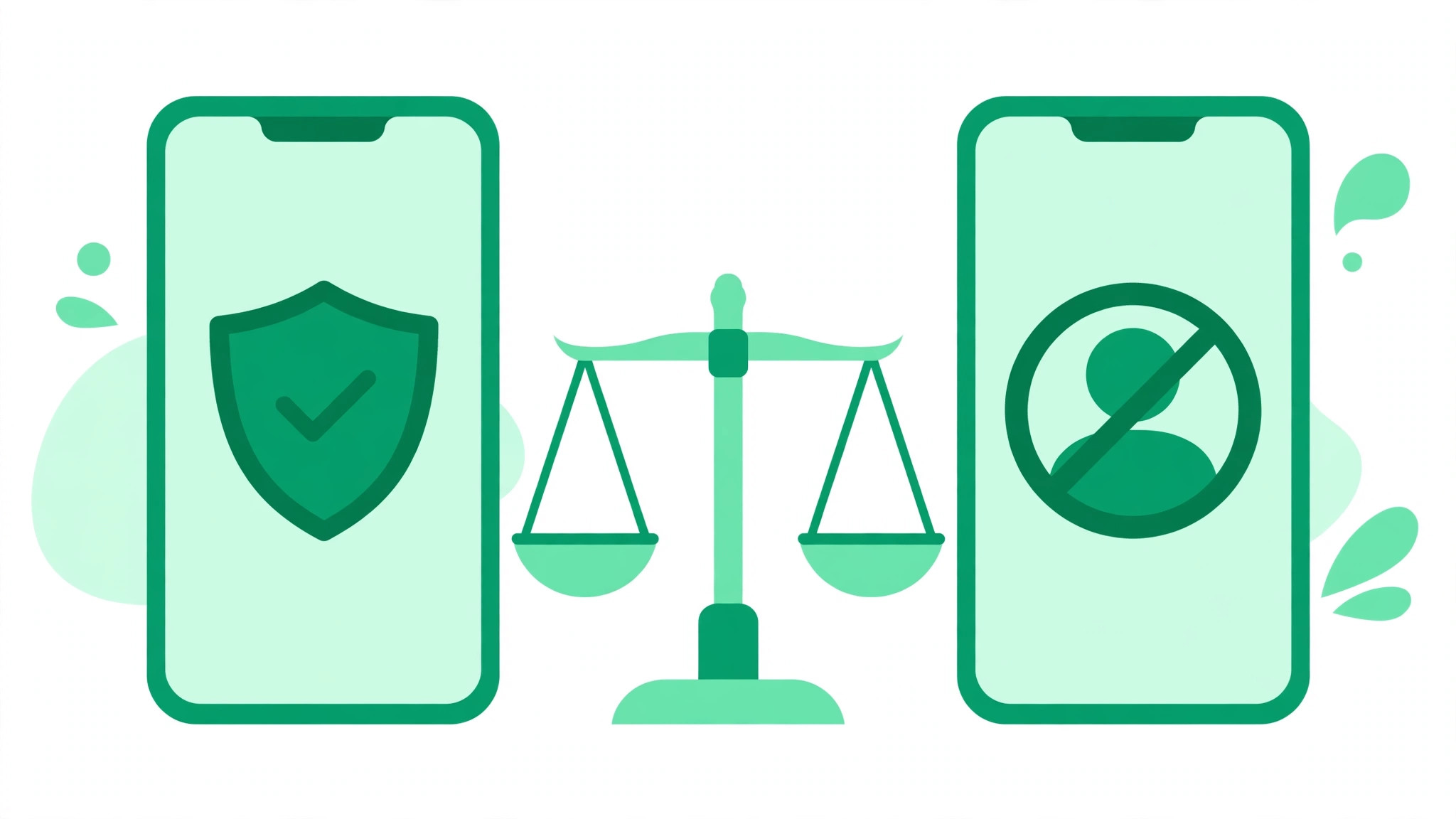
Restrict limits how one person can interact with you while keeping the connection intact. Block ends the connection.
| What changes | Restrict | Block |
|---|---|---|
| Can they see your profile | Yes, if your account is public or they follow you | No, your profile is hidden from that account |
| Can they see posts and Reels | Yes, if they normally have access | No |
| New comments | Visible only to them until you approve them | They cannot comment at all |
| Old likes and comments | Stay in place | Removed, and not restored if you unblock later |
| Direct messages | Move to Message Requests, with no notification for you | Not delivered |
| Activity status and read receipts | Hidden from them | No interaction remains |
| Are they notified | No | No, but they may notice the lost access |
| Best for | Quiet distance without confrontation | Cutting off contact completely |
What Happens When You Restrict Someone on Instagram?
Instagram introduced Restrict as an anti-bullying tool for people who want distance without the social fallout of blocking someone outright. Creators use it for persistent commenters, businesses use it for disruptive accounts, and ordinary users use it for an awkward ex, coworker, or relative. Restrict mainly changes three areas: comments, direct messages, and activity visibility.
Their new comments are hidden until you approve them
When a restricted person comments on your post, that comment is visible to them, but nobody else can see it until you approve it. You can tap See comment to review it, then approve it, delete it, or leave it unapproved. You also stop receiving notifications for their future comments. From their side, everything looks normal, because they can still see the comment they posted. That is why Restrict is much harder to detect than deleting every comment or blocking the account.
Their messages move to Message Requests
When you restrict someone, your chat with them moves out of your main Direct inbox and into Message Requests. Future messages from that account go there too. You can open and read those messages without sending the normal seen signal back to them. With a block, by contrast, new messages are not delivered at all, and they will not suddenly appear later if you unblock the person.
They cannot see your activity status or read receipts
A restricted person cannot see when you are online, and they cannot see whether you have read their messages. That removes the pressure of read receipts and the awkwardness of appearing online while not replying. Instagram also offers a broader Activity Status setting if you want to hide your online status from everyone.
Restrict is an interaction control, not a visibility block. If your account is public, a restricted person can still see your posts and Reels. If your account is private and they already follow you, Restrict does not remove them as a follower. Restrict also does not hide your Stories from them, so use the separate Hide story and live control for that. And Restrict does not by itself stop them tagging or mentioning you, so use the dedicated tag settings for that.
What Happens When You Block Someone on Instagram?
Blocking is the strongest privacy action Instagram offers. When you block an account, that person loses access to your profile, posts, and Stories through that account. They cannot find you in search, and they cannot like, comment on, or share your content. Instagram also removes their existing likes and comments from your photos and videos, and unblocking later does not bring them back.
- Profile access ends: the blocked account cannot view your profile, posts, Reels, or Stories.
- Old engagement is removed: their likes and comments disappear from your content permanently.
- Tags and mentions stop: a blocked account cannot mention your username or tag you.
- Messages are not delivered: new direct messages from them never reach your inbox.
- Extra accounts option: Instagram can offer to block that account plus other accounts the person already has, and new accounts they may create.
Instagram says people are not notified when you block them. In practice, though, a block is easier to spot than a restriction, because the person suddenly cannot find your profile at all. One exception: if you stay in a group chat with someone you blocked, you may still see each other’s messages inside that group.
How to Restrict or Block Someone on Instagram
Both actions start the same way. Open the person’s profile, tap the three-dot menu in the top-right corner, then tap Restrict or Block and confirm if Instagram asks. When blocking, Instagram may ask whether you want to block just that account or that account plus any other accounts the person may have. You can also restrict or block someone from a direct message thread, from one of their comments on your post, or from the Restricted and Blocked accounts lists under Settings and activity. Menu labels can vary slightly by device and app version, so if a menu has moved, check Instagram’s current Help Centre page.
How to Unrestrict or Unblock Someone
Both actions are reversible. To unrestrict someone, open their profile, tap the three-dot menu, and tap Unrestrict, or remove them from the Restricted accounts list in Settings and activity. To unblock someone, search for their username, open their profile, and tap Unblock. Remember that unblocking does not restore the likes and comments that blocking removed, and if your account is private, the person will need to follow you again to see your content.
Restrict vs Block vs Mute: Which One Should You Use?
These three tools solve different problems, and picking the wrong one is the most common mistake. Mute changes only what you see. It hides someone’s posts or Stories from your feed without changing anything for them. Restrict changes how their interactions reach you and your audience, quietly. Block cuts the connection entirely.
Choose Restrict when the comments are persistent but not dangerous, when blocking would cause unnecessary conflict with a friend, relative, or coworker, when you want their messages out of your main inbox without read receipts, or when you moderate a creator or business account and want to review one follower’s comments before anyone else sees them. Choose Block when someone is harassing you, impersonating you, threatening you, repeatedly creating new accounts to contact you, or making you feel unsafe. In those cases, blocking and reporting is more appropriate than relying on Restrict alone.
Final Thoughts on Instagram Restrict vs Block
Restrict is the right tool when you want quiet control over one person’s comments and messages without a visible break. Block is the right tool when you want the person gone from your Instagram life entirely. Both are free, both are reversible, and neither sends a notification, so you can choose based on the situation rather than the fear of being found out. If you are growing an audience, a larger following also means more comments to moderate. Our guide on how to get more followers on Instagram covers the organic growth habits that attract the right audience, and our guide on how to get more likes on Instagram explains how to keep engagement positive. You can also explore the free Instagram growth tools on BigFollowers to support your overall growth.