How to See Likes on Instagram (2026): Every Method That Still Works
To see likes on Instagram in 2026, open a post and tap the like count or the text that starts with Liked by to see who liked it. To find posts you liked yourself, go to your profile, tap the menu, then Your activity, then Interactions, then Likes. Instagram has not removed likes, but it now lets users hide public like counts, so the exact steps depend on what you want to see.
This guide covers every method that still works, and explains what Instagram no longer lets you see, so you do not waste time on methods that stopped working years ago.
Method 1: See Who Liked an Instagram Post
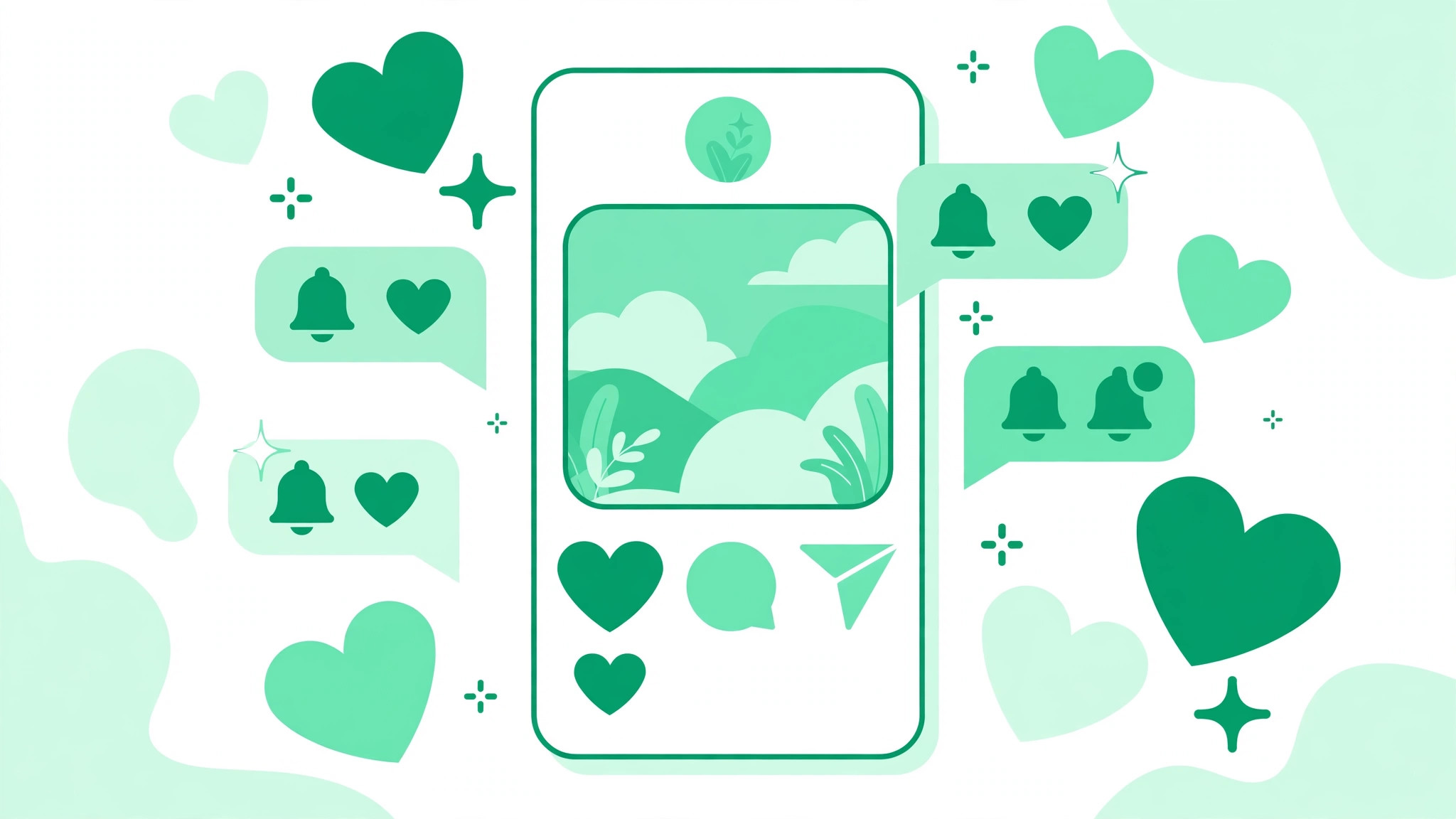
The simplest way to see likes on Instagram is to open the post itself. Below the photo, carousel, or caption, you will see either a number or text that begins with Liked by, followed by a username and others. Tap that text to open the full list of accounts that liked the post.
To check whether one specific person liked a post, open the like list and search for their username inside it. Do not assume the list is in chronological order. For a Reel, tap the view count, like count, or the engagement area near the heart icon to see its likes.
Method 2: Unhide Like Counts in Your Feed
If most posts in your feed show Liked by a username and others with no number, you may have enabled Instagram’s global setting that hides like counts. This setting hides totals on other people’s posts on your screen only. It does not delete the likes, and the creator can still see their own engagement.
To turn it off, go to your profile, tap the three-line menu, and open Settings and activity. Find Like and share counts under the section about what you see, then turn off Hide like and share counts. You can also hide or show likes on one of your own posts from its three-dot menu. If you are working on earning more engagement, our guide on how to get more likes on Instagram covers the content habits that earn genuine likes.
Method 3: See Posts You Have Liked
Instagram keeps a record of your recent likes in one place. To find them, open your profile and tap the three-line menu. Select Your activity, then open Interactions, then tap Likes. You will see your liked posts and Reels, normally with the newest activity first. From this page you can filter results, open a post again, or remove likes in bulk.
There is one important limit. Instagram shows only your 300 most recent likes in this list. If you cannot find an older post, it may have dropped off after you liked more than 300 other posts or Reels, or the original post may have been deleted.
Method 4: See Likes With Instagram Insights
If you have a Creator or Business account, Instagram Insights is the most accurate way to see likes on your own content. Open one of your posts or Reels and tap View insights. You can review likes together with comments, saves, shares, reach, views, and other interactions, for the last 7 days up to a maximum of 90 days.
Insights is where likes become useful instead of just flattering. A tutorial with fewer likes but many saves may be more valuable than a viral Reel with no deeper action. Compare likes relative to reach, comments, saves, shares, profile visits, and new follows, and look for consistency across recent posts rather than one outlier.
Any service that asks for your Instagram password or promises to reveal private activity is a red flag. Never give an unknown viewer your login details. The free Instagram growth tools on BigFollowers work without asking for your password, and that is the standard you should hold every tool to.
Method 5: Check Instagram Likes on Desktop
On Instagram’s website, sign in, open a public post, and click the visible like text or count to see who liked it. Desktop offers fewer controls than the app, so use your phone for the full Your activity likes list or detailed Insights.
Can You See Everything Someone Else Likes on Instagram?
No, not as a list. Instagram removed the Following tab in October 2019, and since then there has been no screen in the app that shows every post one person has liked. You can open the like list on any single public post and check whether their name is in it. The Friends tab in Reels, launched globally in August 2025, shows public content your mutual friends have liked, created, reposted, or commented on.
Any app promising a complete feed of someone’s likes either cannot deliver it or wants your password. Meta has caught hundreds of apps built to steal logins, so treat those promises as a scam warning, not a feature.
Who Can See That You Liked a Post?
By default, anyone who can see the post can also see that you liked it. Your followers may see your username under a post you liked, written as your username and a number of others. Instagram also offers a setting called Likes you have made, which controls who can see the posts and Reels you like. The poster always sees your like, and you always see your own.
Why Can’t I See Likes on Instagram?
If likes are missing, one of these causes is usually responsible. You enabled the global setting that hides like counts. The creator hid the count on that specific post. The account or content is private. The post was deleted, archived, or restricted. Your app is outdated or experiencing a bug. Update the app, check your Like and share counts setting, and reopen the post.
How to Interpret Instagram Likes
Likes are useful, but they do not prove influence or buying intent. Review several posts, look for natural variation, and compare likes with relevant comments, saves, shares, profile visits, and follows. A like is the weakest signal a viewer gives. What people save, share, and comment on tells you far more. You can also try the free Instagram likes trial to see how a boost in early engagement feels.
Final Takeaway
To see likes on Instagram, first decide which information you need. Open a post to check its like list, change your settings to restore visible totals, use Your activity to find posts you liked, or open Insights to analyze your own content. You cannot see a complete list of everything another person has liked, and any tool claiming otherwise is not telling the truth.