Banned Instagram Hashtags List (2026): Tags to Avoid and How to Check Any Tag
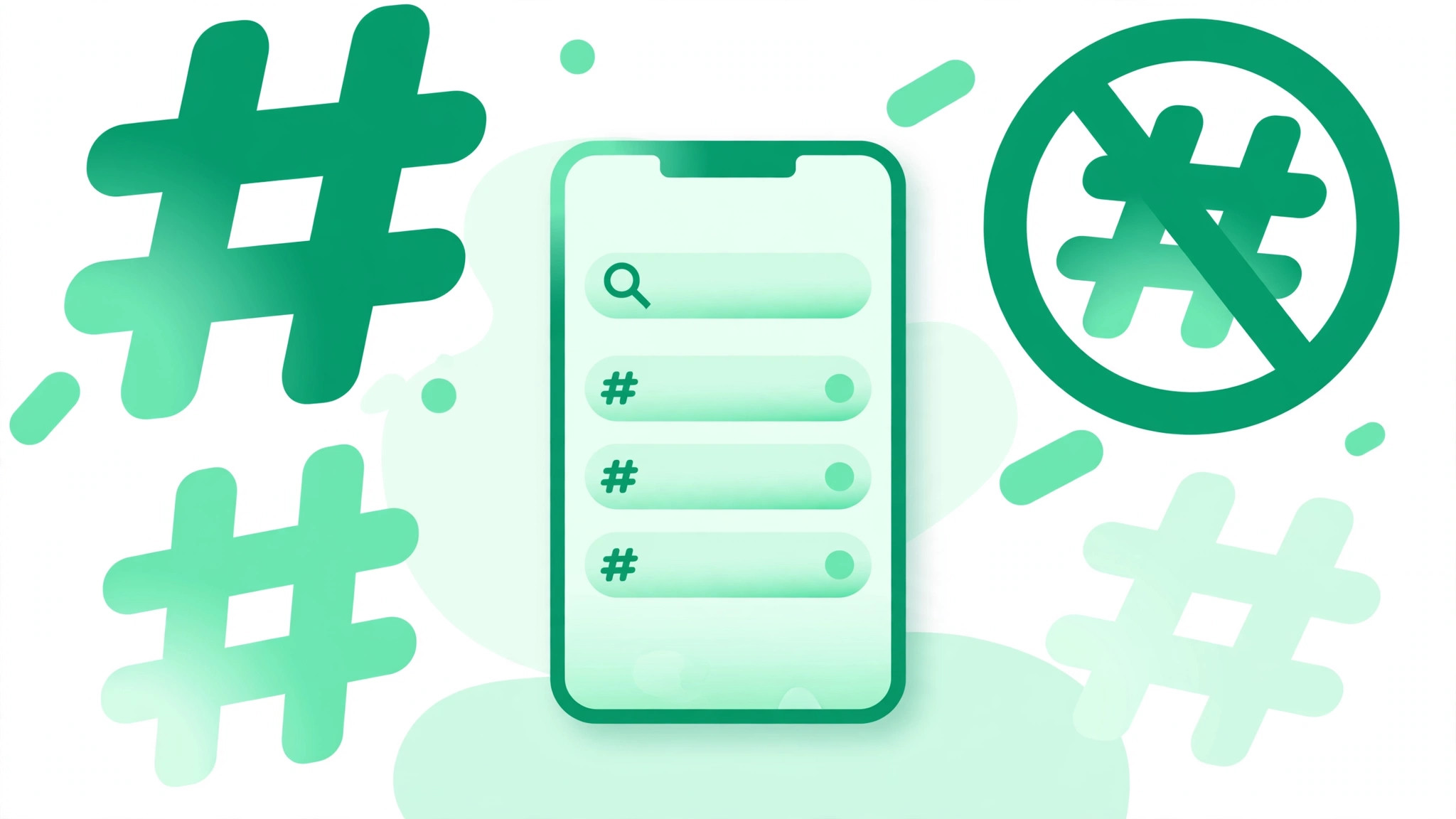
Instagram does not publish an official banned hashtag list, but years of community research have identified dozens of tags that are currently restricted — including surprisingly innocent-looking ones like #adulting, #desk, #elevator, and #sopretty. Using one can silently reduce your post’s reach, a penalty creators call a shadowban. This guide lists commonly restricted hashtags in 2026, explains why Instagram bans them, and shows you how to check any hashtag’s status inside the app in under a minute.
What Does a Banned Hashtag Mean on Instagram
There are two levels of restriction. A fully banned hashtag is blocked from discovery: searching it shows a warning that recent posts are hidden. A restricted hashtag may still look searchable, but posts using it lose visibility in hashtag feeds and Explore. Both hurt the same way: your post underperforms and you never get a notification. Creators call this silent suppression a shadowban — your content stays visible to existing followers but stops reaching new people. Using a banned tag once usually hurts only that post, but repeated use can flag the account.
Why Instagram Bans Hashtags
Instagram restricts hashtags to keep discovery usable. The main reasons are:
- Spam networks: tags hijacked by bots, follow-for-follow schemes, and engagement pods.
- Explicit content: tags flooded with posts that break community guidelines.
- Misinformation: tags tied to false health claims or illegal activity.
- Irrelevant misuse: innocent tags get dumped on unrelated posts so often that Instagram blocks them. This is why #boho or #besties can land on the list.
The list also changes over time. Some tags stay banned permanently, while others get restricted temporarily and return later. A list that was accurate six months ago may already be outdated, which is why knowing how to check matters more than memorizing one.
Commonly Restricted Instagram Hashtags in 2026
Important caveat: this list is compiled from community reports and regularly updated guides, because Instagram itself publishes no official list. Always verify a tag with the in-app check below before assuming its status. These are the tags most frequently reported as restricted:
General and everyday tags
- #adulting
- #alone
- #always
- #beautyblogger
- #besties
- #boho
- #desk
- #elevator
- #humpday
- #killingit
- #lean
- #master
- #models
- #single
- #sopretty
- #stranger
- #todayimwearing
- #workflow
Spam and engagement-bait tags
- #followforfollow
- #mustfollow
- #tag4like
- #tagsforlikes
- #instagood
- #direct
- #dm
- #addmysc
- #edm
- #hardworkpaysoff
Body, beauty, and fashion tags
- #bikinibody
- #curvygirls
- #loseweight
- #swole
- #pushups
- #hustler
- #snap
- #teens
- #costumes
Seasonal and event tags
- #happythanksgiving
- #valentinesday
- #newyearsday
- #christmas
Pop culture and place tags
- #kansas
- #italiano
- #dogsofinstagram
- #eggplant
- #wtf
- #ilovemyinstagram
- #xanax
How to Check If a Hashtag Is Banned in the App
This takes under a minute and works for any tag:
- Step 1: open Instagram search and type the hashtag exactly as you would use it.
- Step 2: open the hashtag page. If you see a message like “Recent posts from this hashtag are currently hidden” or only top posts load with no recent grid, the tag is restricted or banned.
- Step 3: do not use it. Swap in a specific, relevant tag instead — and re-check periodically, since statuses change.
Free online banned-hashtag checker tools can speed this up if you audit many tags at once, but the in-app search is the ground truth for what Instagram is actually doing right now.
What to Do If You Used a Banned Hashtag
Do not panic. One banned tag on one post almost never damages an account — it just suppresses that post. To recover:
- Remove the banned tag from the post, or delete and repost without it.
- Audit your recent posts for other restricted tags.
- Avoid spammy behavior for a few days — mass following and unfollowing, bot tools, and repetitive comments.
- Going forward, build your tag sets with a vetted tool instead of copying old lists. Try a free Instagram hashtag generator to create niche-specific sets without the risky tags.
A Safe Hashtag Strategy for 2026
Instagram now allows a maximum of five hashtags per post, so every slot counts. Use fewer, more specific tags instead of broad ones: #portraitphotography beats #photography. Mix mid-size niche tags with a couple of larger ones, never reuse the exact same block of tags on every post, and check your go-to tags every few months. Good hashtags will not rescue a weak photo — but a banned one can bury a great one. If growing your audience is the goal, pair a clean hashtag strategy with the tactics in our guide on how to grow your followers.
Frequently Asked Questions
Does using one banned hashtag get my account banned?
No. A single banned tag typically suppresses only that one post. Accounts get penalized when they use restricted tags repeatedly across many posts.
How long does a shadowban last?
There is no official timeline. Creators commonly report reduced reach lasting from a few days to a few weeks after removing the offending tags and stopping spammy behavior.
Are engagement-bait tags like #followforfollow still restricted?
They are widely reported as restricted, and they attract low-quality engagement anyway. Avoid them entirely.
Can a banned hashtag become safe again?
Yes. Instagram reviews tags over time, and temporary restrictions do get lifted. Re-check tags you abandoned a few months ago with the in-app test.
Final Word
Banned hashtags are a silent reach killer because Instagram never warns you when you use one. Bookmark the in-app check above, verify any tag you are unsure about, and keep your tag sets fresh. For more free Instagram growth tools, start at bigfollowers.in.