Instagram Content Calendar Template (Free): Plan a Month of Posts Without the Blank Page
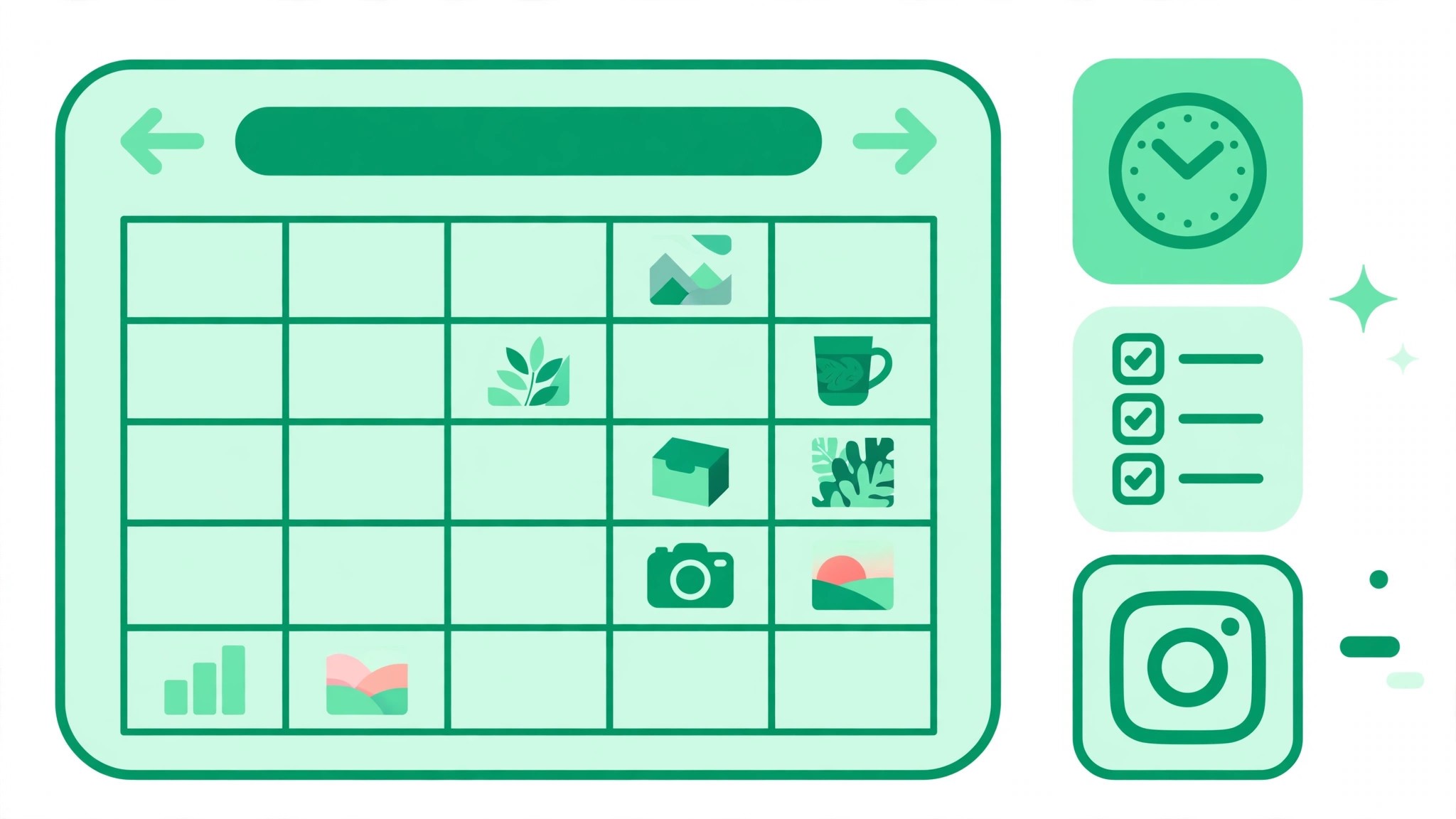
An Instagram content calendar is a simple plan that lists what you will post, when you will post it, and what each post is for. One row per post, with columns for the date and time, the format, the caption, the hashtags, the media you need, the content pillar, and the status. That is the whole template. If you can fill one row a day for the next month, you will never again open Instagram with no idea what to post.
Most accounts do not struggle with ideas. They struggle with deciding in the moment. A calendar moves the decisions to one calm planning session, so posting becomes execution instead of a daily creative crisis. The best calendars are boring on purpose: a spreadsheet you actually open beats a beautiful system you abandon after a week.
What an Instagram Content Calendar Template Looks Like
A useful template has eight columns. Date and time tells you when the post goes live. Format tells you whether it is a Reel, a carousel, a single image, or a Story. Caption holds the draft text. Hashtags hold the tags you will use. Media notes describe the photo or video you need. Pillar records which content theme the post serves. Status tracks whether the post is an idea, in progress, scheduled, or live. Performance notes capture what happened after publishing, so next month is smarter than this one. You do not need fancy software for any of this. A spreadsheet is enough, and it is free.
The Free Tools That Work Best in 2026
Google Sheets is the simplest option and it costs nothing. One sheet per month, one row per post, with a filter on the status column. Notion is a step up: the same plan can be viewed as a calendar, a board, or a database, and you can store caption drafts and media links in the same place. Asana works well for small teams of one or two people on its free plan, and Airtable offers a free tier that combines spreadsheet rows with calendar views. If you want dates to plan around, Buffer publishes a free 2026 social media calendar with more than 180 key dates. Pick the tool you will actually open. The tool does not make the calendar work. Showing up does.
The 4 Content Pillars Every Calendar Needs
A calendar without pillars becomes a list of random posts. Four pillars cover most accounts. Educate: teach one useful thing, such as a tip, a how-to, or a common mistake. Entertain: make people smile or feel seen with humor, a relatable moment, or a behind-the-scenes clip. Inspire: share a story, a result, or a quote that gives people a reason to keep going. Sell: show your offer, a product, or a service, honestly and without pressure. A practical mix is 40 percent educate, 30 percent entertain, 20 percent inspire, and 10 percent sell. That ratio keeps your feed useful without turning it into an advertisement. Rotate the pillars across the week so no two days in a row feel the same.
A Sample 7-Day Instagram Content Calendar
Here is a realistic week for a small creator account. Monday: Reel, educate, a 30-second tip your audience keeps asking about. Tuesday: carousel, educate, a five-slide breakdown of a common beginner mistake. Wednesday: Story, entertain, a poll about a topic your followers care about. Thursday: Reel, inspire, a short story about a lesson you learned this month. Friday: single image, sell, a photo of your product with one clear call to action. Saturday: Reel, entertain, a trend or a light behind-the-scenes moment. Sunday: rest or a Story-only day. Notice the pattern: four to seven posts a week, a mix of formats, and every post has a job.
How to Plan a Month in One Sitting
Plan four to six weeks ahead, and leave about 20 percent of your calendar empty for real-time content: news, trends, and moments you cannot predict. Start with the dates that matter, such as launches, holidays, and events, then fill the pillars around them. Write the captions in the same session, while the ideas are fresh, and gather or shoot the media in batches. A month of planning takes two to three hours for most small accounts. If your account is still finding its footing, our guide on how to get more followers on Instagram covers the basics that make any calendar worth following.
Hashtags and Posting Times in Your Calendar
Add a hashtags column even if you only use a few tags per post, because planning tags in advance stops the last-minute scramble. One reported change to note: Instagram reportedly capped posts at five hashtags since December 2025, according to one source, so check the current limit in the app before you plan around a long tag list. For a quick set of relevant tags, try our free Instagram hashtag generator while you build the calendar. Posting time matters less than consistency, but it helps to pick a slot your audience is actually online and keep it for a few weeks before judging the results.
Common Content Calendar Mistakes to Avoid
The first mistake is planning a month and never reviewing it. Check performance notes weekly and move the formats that work into more slots. The second mistake is copying another account’s calendar wholesale. Their audience is not yours, and their pillars may not fit your offer. The third mistake is filling every day and leaving no room for spontaneity. The accounts that feel alive mix planned posts with real moments. The fourth mistake is treating the calendar as a content factory. If a post is not useful, entertaining, inspiring, or honest about selling, leave the slot empty. One good post beats three filler posts.
Your Free Instagram Content Calendar Template
You can build your template in five minutes. Open Google Sheets or Notion, create the eight columns from this article, and add thirty rows for the next month. Fill the first week completely, the second week roughly, and the rest with pillar labels only. That is enough to start. Each week, spend thirty minutes refining the next seven days. Within a month you will have a system that fits your life, a feed that looks intentional, and a lot less stress at posting time. For more free tools to support your Instagram growth, visit bigfollowers.in and explore the free Instagram tools on the homepage.
Frequently Asked Questions About Instagram Content Calendars
How far ahead should I plan my Instagram content?
Plan four to six weeks ahead at the pillar level, and one week ahead in full detail. Keep about 20 percent of the calendar open for trends and real-time posts.
What is the best free Instagram content calendar template?
Google Sheets is the best free starting point because it is simple, shareable, and free. Notion is better if you want calendar and board views in one place. The best template is the one you actually use every week.
How many times a week should I post on Instagram?
Four to seven times a week works for most accounts. Consistency matters more than volume, so pick a number you can keep for months, not a number you can keep for one week.