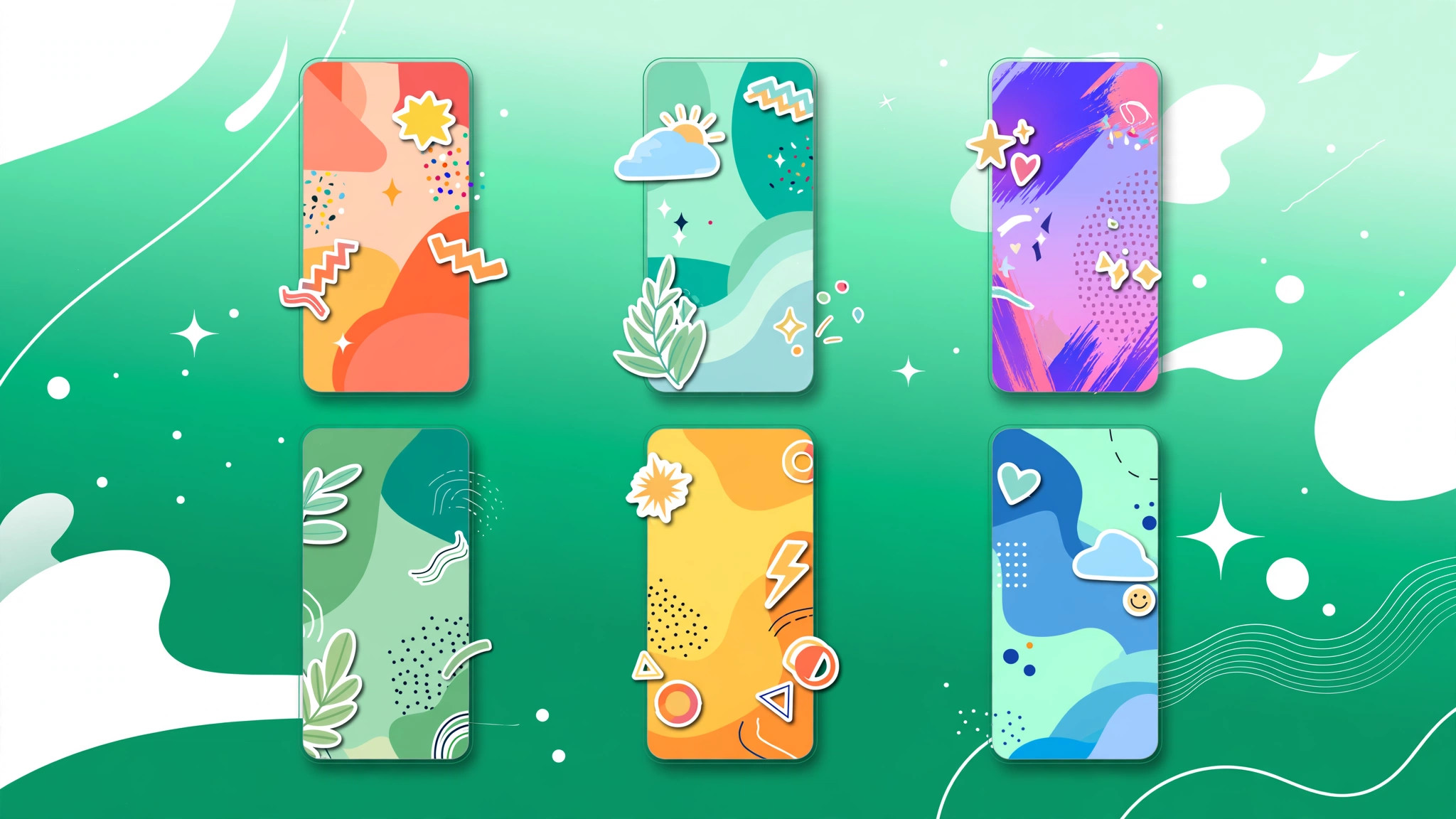
Instagram Story Templates That Actually Work: 15 Formats That Get Taps, Replies, and DMs
Instagram story templates that actually work are not just pretty layouts. They are reusable 1080 by 1920 designs built around one goal: getting your viewers to tap, vote, reply, or send you a DM. The templates that perform best all share one trait. They lower the effort needed to engage, so a casual viewer can participate with a single tap instead of scrolling past.
If you run an Instagram account for growth, Stories are where your most loyal followers live. They sit at the top of the app, they reach people who already follow you, and they are the fastest way to start real conversations. The problem is consistency. A template library removes the blank-screen problem and lets you post on-brand Stories in minutes. Here are the formats that consistently earn engagement, plus how to build your own library at BigFollowers.
What Is an Instagram Story Template?
An Instagram story template is a reusable vertical layout with fixed fonts, colors, and sticker placements that you fill with fresh content each time. You build it once in Canva or Instagram, then duplicate it, swap the text and photo, and publish. The best templates are invisible. Your audience should feel your brand and remember your message, not notice that you reused a layout.
Posting three to seven Stories a day is the range where completion rates hold steady, and a small library of six to ten core templates makes that pace sustainable without a designer.
Why Do Instagram Story Templates Work?
Interactive Stories generate the engagement signals Instagram rewards. When a follower taps a poll or replies to a question sticker, the platform reads that as a strong connection signal, and the DM thread that opens pushes your future posts higher in that person’s feed.
Templates also protect your visual identity. The same two to three colors and one or two fonts across every Story make your content recognizable even when muted, and that consistency builds brand memory and trust over time.
7 Instagram Story Templates That Drive the Most Engagement
These templates are grouped by the sticker they use. Every template below includes the layout, the best sticker, and why it earns interaction.
1. The This-or-That Poll Template
A split-color background with a simple A or B question in large text. Add the poll sticker with two options. Examples: “Reels or carousels?” or “Coffee or tea?” Why it works: one tap to participate, zero friction. Polls are the easiest engagement format on the platform and give you real audience insights at the same time.
2. The Ask-Me-Anything Template
A header slide with “Ask me anything” plus a repeatable answer frame. Use the question sticker to collect questions, then answer the best ones in follow-up Stories. This template doubles as content research. The questions your audience asks are the exact topics they want you to post about next.
3. The Quiz Trivia Template
A question card with a multiple-choice layout, followed by a reveal slide with the answer. Use the quiz sticker. Trivia templates add gamification, and people love testing themselves. Niche trivia works especially well because followers share their scores and tag friends.
4. The Emoji Slider Rating Template
A full-bleed photo or clip with a short prompt like “Rate this look” or “How much do you love this?” Add the emoji slider sticker. The drag interaction feels playful, and sliders work well for reveals, product teases, and before-and-after moments.
5. The Countdown Launch Template
A teaser frame with the launch date and a “set a reminder” cue, paired with the countdown sticker. Use it for product drops, post announcements, and live sessions. Countdown stickers create urgency, and anyone who taps the sticker gets reminded when the countdown ends.
6. The Fill-in-the-Blank Template
Start a sentence and let followers complete it with the question sticker. Examples: “The hardest part about growing on Instagram is ___” or “I stop scrolling when I see ___.” These prompts feel like conversation starters, not surveys, and the answers give you a direct window into your audience’s problems.
7. The Before-and-After Template
A split frame showing transformation with clear labels. Add the emoji slider or a poll asking “Which do you prefer?” Before-and-after Stories earn high replies because people are curious about the process behind the change. Always add one line explaining how the transformation happened.
More Templates Worth Adding to Your Library
Once the seven above are running, expand into testimonial, tutorial, day-in-the-life, quote, and UGC repost templates. Each one covers a different goal, from social proof to saves, and each can live in the same library.
How to Create Instagram Story Templates in Canva
You do not need design skills to build a template library. Open a 1080 by 1920 pixel canvas in Canva using the Instagram Story preset, set your brand background, fonts, and logo position once, and add placeholder text and image frames where content will swap in. Keep the top and bottom 250 pixels clear so nothing hides behind the profile bar or reply field. Save each layout as a master, then duplicate it every time you post. You can also build lightweight templates inside the Instagram app with Create mode, saved text styles, and the “Add Yours” sticker.
Story Template Design Rules That Matter
One message per Story performs best, so resist cramming. Keep headline text large and high-contrast, build at least one interactive sticker into every template, and put your strongest frame first. Every Story should end with a clear next step, whether that is a reply prompt, a poll, or a link sticker to your site. For a short, punchy line of copy, draft one in seconds with our Instagram caption generator.
Mistakes That Kill Story Performance
Template sprawl is the most common problem. Forty variants nobody can find is worse than six you actually use, so keep six to ten core layouts. Ignoring safe zones buries your text behind interface buttons, and long rambling sequences without a hook collapse completion rates. Off-brand drift dilutes the recognition your templates built. Finally, never post Stories with no way to respond. If the viewer cannot tap, vote, or reply, you are collecting views instead of building relationships.
Instagram Story Templates FAQs
What size should an Instagram story template be?
1080 by 1920 pixels at 9:16. Keep text and your logo in the central live zone, with 250 pixels clear top and bottom for the profile bar, reply field, and link sticker.
Are there free Instagram story templates?
Yes. Canva has the largest free library, and Adobe Express, VistaCreate, and Kapwing also offer free templates.
How many Stories should I post per day?
Three to seven Stories per day is the range where completion rates hold. Keep each chapter tight and lead with your strongest frame. To kickstart engagement on your feed posts too, try our free Instagram likes trial.