Best Link in Bio Examples (2026): 10 Pages That Turn Profile Visits Into Clicks
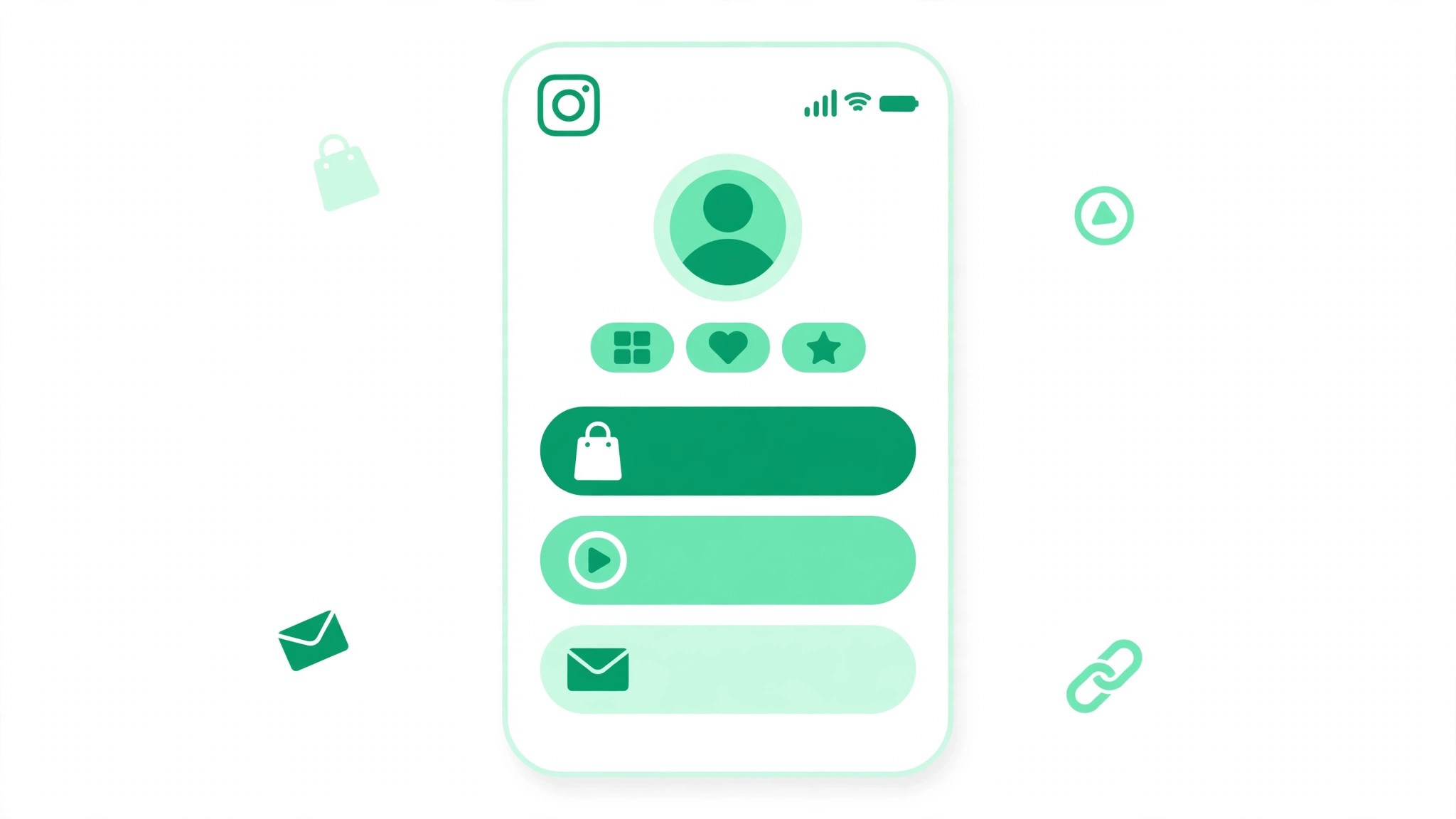
The best link in bio pages turn profile visits into clicks by leading with one primary action, keeping the list short, and using specific button text that tells visitors exactly what they get. Three to six links beat fifteen, because a visitor who sees too many choices clicks none of them. Every profile can now add up to 5 native bio links, with only the first showing directly on the profile, and paid Meta One plans offer a link page with up to 20 links, though prices vary and the rollout is still in progress.
A link in bio page is the bridge between your Instagram profile and everything else you do. Someone taps your profile, likes what they see, and then has about three seconds to decide whether to click. A good page makes that decision easy. It shows one clear next step at the top, a few useful options below, and nothing that wastes a tap. A bad page sends people back to the feed, or to a page with twenty buttons and no clear winner. The difference is discipline: choose one goal, write buttons that say what happens next, and send people somewhere they can act. If your profile itself needs work first, our free Instagram bio generator can help you write a short bio that tells visitors what you do and why they should click.
What Makes a Great Link in Bio Page
Four principles separate pages that convert from pages that collect dust. First, lead with one primary action. The top button should match the reason most people visit your profile, whether that is booking, buying, joining, or reading. Second, keep the list short. Three to six links is the sweet spot. More than that, and visitors start scanning instead of clicking. Third, write specific button text. Book a free 15-minute call beats Contact me, and Shop the new collection beats Shop now. Fourth, send people somewhere they can act. A button that leads to a booking page, a shop, or a signup form is worth more than a button that leads back to another social feed.
10 Best Link in Bio Examples by Account Type
1. Creator: one offer, one freebie, one social proof link
A creator page works best with three buttons: Watch my latest video, Get the free starter guide, and Work with me. The top button is the newest video, because that is what most visitors want. The freebie builds an email list. Keep the video button updated every week so returning visitors always find something new.
2. Musician: listen, tickets, merch
A musician page should open with Listen to the new single, followed by Tour tickets and Merch. Fans arrive wanting music, so the music comes first. Tickets come second because they sell out. Add a tour date under the ticket button so fans can see the nearest show at a glance.
3. Restaurant: menu, book a table, order delivery
A restaurant page should lead with Book a table, then View the menu, then Order delivery. Hungry visitors want to eat, so booking and ordering come before the story of the restaurant. Add the address and opening hours as plain text under the buttons.
4. Online store: shop new, bestsellers, sale
A store page works with Shop new arrivals at the top, then Bestsellers, then Sale. Shoppers want what is new and what other people buy. The sale button goes last, because discount hunters will scroll for it.
5. Coach: free call, program, testimonials
A coach page should open with Book a free 15-minute call, followed by See the program and Read client stories. The free call is the primary action because coaching is a trust purchase. Testimonials support it, but they do not lead.
6. Freelancer: portfolio, services, availability
A freelancer page needs View my portfolio first, then Services and prices, then Book a discovery call. Clients want proof before they want prices, and prices before they want a call. Add one line under the call button saying when you are next available, so serious clients act now.
7. Podcaster: latest episode, subscribe, guest form
A podcaster page should lead with Listen to the latest episode, then Subscribe on your app, then Be a guest. The subscribe button should go to a page with all podcast apps, not just one.
8. Local business: directions, hours, contact
A local business page should open with Get directions, then Opening hours, then Call us. Local visitors usually need practical information, not a brand story. Put the phone number as a button that dials directly, and keep the hours current.
9. Nonprofit: donate, volunteer, impact report
A nonprofit page should lead with Donate, then Volunteer, then See our impact. Donors give quickly, so the donate button must be first and must say exactly where the money goes.
10. Personal brand: newsletter, book, speaking
A personal brand page works with Join the newsletter first, then Get the book, then Book me to speak. The newsletter is the primary action because it builds an audience you own. Speaking is the premium offer, and it goes last because it is the smallest audience. For more ideas on growing the audience that reaches this page, read our guide on how to get more followers on Instagram.
Link in Bio Mistakes to Avoid
The most common mistake is too many links. A page with fifteen buttons tells visitors that you could not decide what matters, so they decide for you by leaving. The second mistake is generic button text. Click here, Link, and My website say nothing, while specific text tells people what happens next. The third mistake is a dead end. Every button should lead to a page that works on a phone, loads fast, and lets the visitor act without signing up first. The fourth mistake is never updating the page. Check your page once a week, update the top button, and remove links that no longer lead anywhere. For more free tools to support your growth, visit bigfollowers.in and explore the free Instagram tools on the homepage.
Frequently Asked Questions About Link in Bio Pages
How many links should a link in bio page have?
Three to six links is the sweet spot for most accounts. One primary action at the top, plus a few useful options below, gives visitors a clear choice without overwhelming them.
How many bio links can I add on Instagram?
Every profile can add up to 5 native bio links, but only the first one shows directly on the profile, and the rest sit behind a tap. Meta One paid plans offer a link page with up to 20 links, though prices vary and the rollout is still in progress.
What should the first link in my bio be?
Your first link should be the action most of your visitors want, such as your newest video, your shop, your booking page, or your newsletter signup. Check which link gets the most clicks for a few weeks, then move the winner to the top.