How to Make an Instagram Business Account (2026): Step-by-Step Setup
To make an Instagram business account, open your profile, tap Settings and activity, then Account type and tools, then Switch to professional account, and choose Business. The switch is completely free and takes about two minutes. Every account starts as a personal account, so you convert the one you already have. Your followers, posts, and messages stay the same, and switching unlocks analytics, ads, shopping features, and contact buttons.
If you run a shop, a service, or any kind of brand on Instagram, a business account is the right foundation. This guide walks you through the setup, explains business vs creator accounts, and covers the mistakes that catch new users out.
What Is an Instagram Business Account?
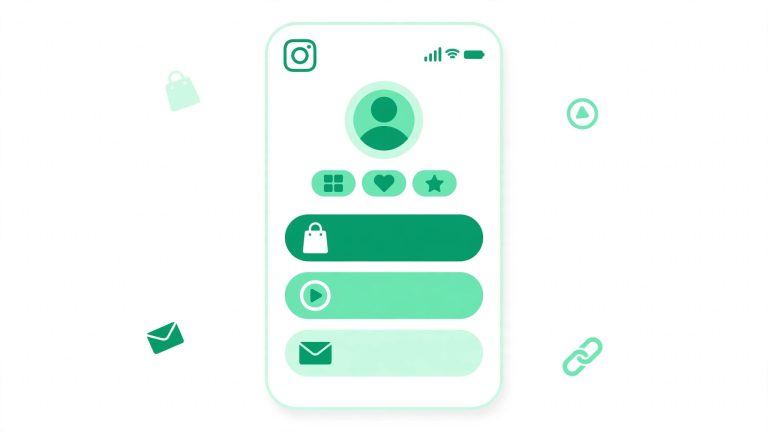
An Instagram business account is a free professional account type for brands, retailers, local businesses, and service providers. It looks like a personal account from the outside, but it unlocks tools built for growth and measurement. Your profile can show a category label and contact buttons that let people call, email, or message your business. You can switch back to a personal account at any time.
How to Make an Instagram Business Account in 5 Steps
- Open your profile. Tap your profile picture in the bottom right corner of the Instagram app.
- Open Settings and activity. Tap the menu icon in the top right corner, then choose Settings and activity.
- Find Account type and tools. Scroll down and tap Account type and tools.
- Tap Switch to professional account. Instagram shows a short introduction. Tap Continue through the screens.
- Choose Business. Select Business, pick a category that matches what you do, and confirm. Add contact details, or skip and add them later.
That is the whole setup. Insights start collecting data from this point onward. Give it a week of normal posting before judging your numbers.
Picking the Right Category for Your Business Account
When you switch, Instagram asks you to choose a category. This label appears under your name on your profile, for example Personal Blog, Grocery Store, or Beauty Salon. Pick the option that closest matches what you do. You can hide the label in Edit profile and change your category later if your business changes direction.
Do You Need a Facebook Page to Make a Business Account?
No. Connecting a Facebook Page is optional, and you can skip that step during setup without losing any business features. A linked Page is useful if you want to run ads from Meta Ads Manager or manage Instagram and Facebook together, but it is not required to switch or to use Insights. If you do link a Page later, make sure it is one you actually control.
What Happens to a Private Account When You Switch?
Switching to a business account makes a private account public. Business accounts cannot be private, because the whole point of the account type is to be discoverable. If you use the account for personal posts you do not want strangers to see, create a separate personal account for those posts. Review old posts before switching and archive anything you would rather keep private.
Instagram Business vs Creator Account: Which Should You Choose?
Instagram offers two professional account types, Business and Creator. They share many features, but they are designed for different people.
Choose a Business account if you are a brand or a seller
A business account suits retailers, restaurants, and service providers. It gives you access to shopping features, product tagging, and advertising tools. If your goal is to sell something, Business is the right choice.
Choose a Creator account if you are a public figure or influencer
A creator account suits public figures, artists, and influencers who build an audience around themselves rather than a product. Creator accounts get extra message tools, including a Primary and General inbox, and more detailed follower growth data. You can switch between the two at any time.
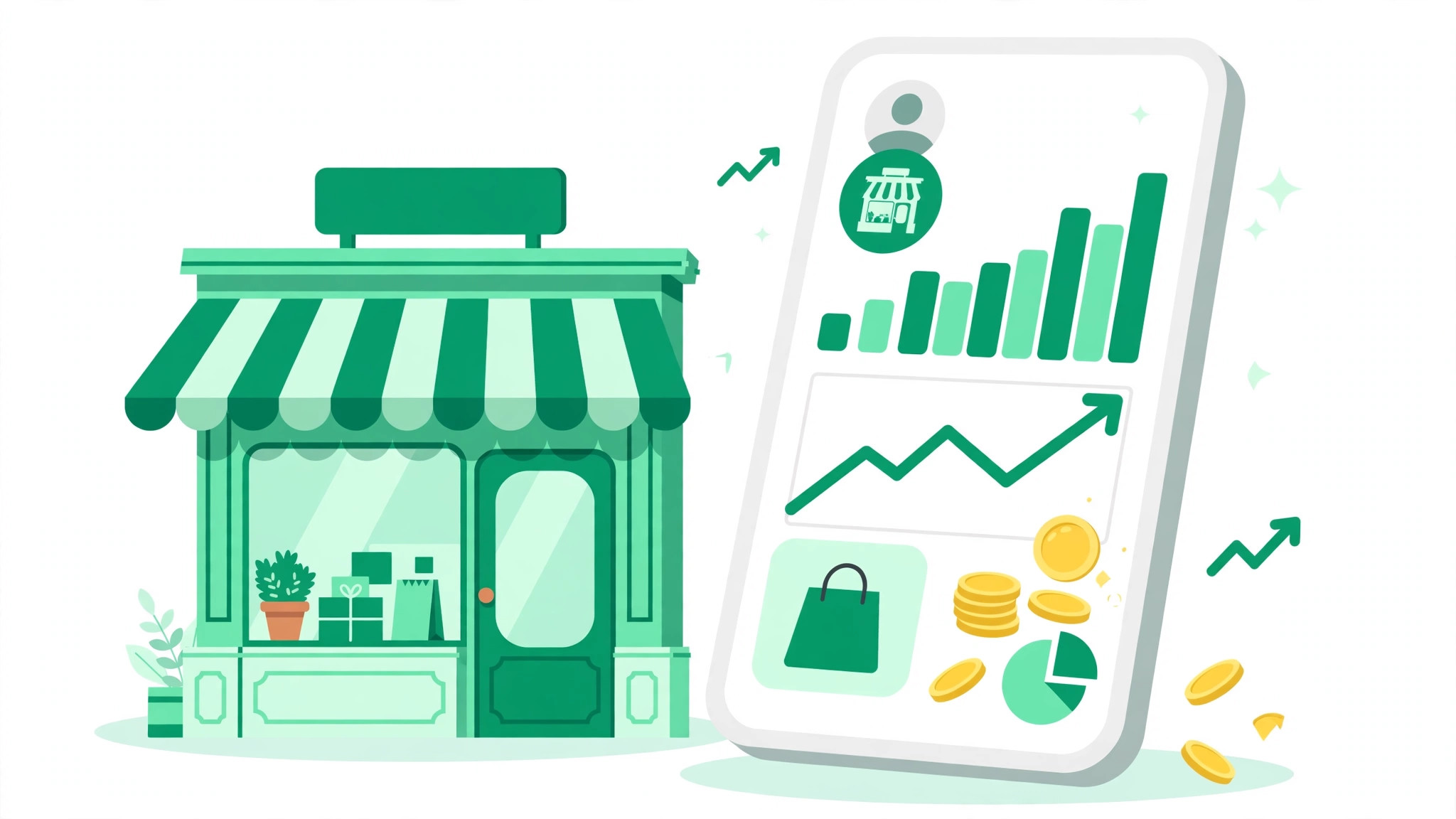
What You Unlock With a Business Account
- Insights analytics. See your reach, your best posts, and when your audience is most active.
- Advertising. Promote posts from the app or run campaigns through Ads Manager. Business accounts are required for most Instagram ad formats.
- Shopping features. Tag products in posts and Reels and set up an Instagram Shop.
- Contact buttons. Add call, email, or directions buttons so customers can reach you in one tap.
- Up to 10 accounts logged in at once. Instagram lets you stay logged in to as many as 10 accounts on one device, so you can manage a business account and a personal account side by side.
How to Make Your Business Account Work for Growth
Switching the account type is only the first step. Growth still comes from good content and a clear profile. Start with your bio: it should tell a new visitor what you do and why they should follow you, and the Instagram bio generator can help you draft one that fits your brand. Then use your Insights data: check which posts get the most reach and saves, and post when your followers are online. For a broader plan, read our guide on how to get more followers on Instagram. A business account does not guarantee followers or sales, but it gives you the information to grow steadily. For more free tools to grow your Instagram following, explore the homepage.
Common Business Account Setup Mistakes
- Choosing the wrong account type. Sellers who pick Creator miss out on shopping features, while influencers who pick Business lose message tools.
- Skipping contact details and never adding them. Add your email or phone number later so customers can reach you.
- Forgetting the account becomes public. Review old posts before switching and archive anything you would rather keep private.
- Expecting instant analytics. Insights only collect data after the switch, so give it a week before judging your numbers.
Frequently Asked Questions About Instagram Business Accounts
Is an Instagram business account free?
Yes. Switching costs nothing, and Instagram does not charge for professional accounts, Insights, or contact buttons. You only pay if you choose to run paid ads.
Can I switch back to a personal account?
Yes. Go to Settings and activity, then Account type and tools, and choose Switch to personal account. Your posts and followers stay the same.
Does a business account reduce my reach?
Instagram has said account type does not directly affect reach. Promotional content posted too often may see lower engagement, but that is about the content.
How many Instagram accounts can I log in to at once?
You can stay logged in to up to 10 accounts on one device, including a mix of personal, business, and creator accounts.