Instagram Collab Post Not Working? 9 Fixes for the Missing Invite Button
If your Instagram collab post is not working, the most common cause is a wrong step in the setup: you must create a feed post or Reel, tap Tag People, and then tap Invite Collaborators. A plain tag is not a collaboration, and the invite button only appears on feed posts and Reels, never on Stories. If you follow the correct path and the button is still missing, the fix is usually updating the app, switching to a public professional account, or clearing an account restriction.
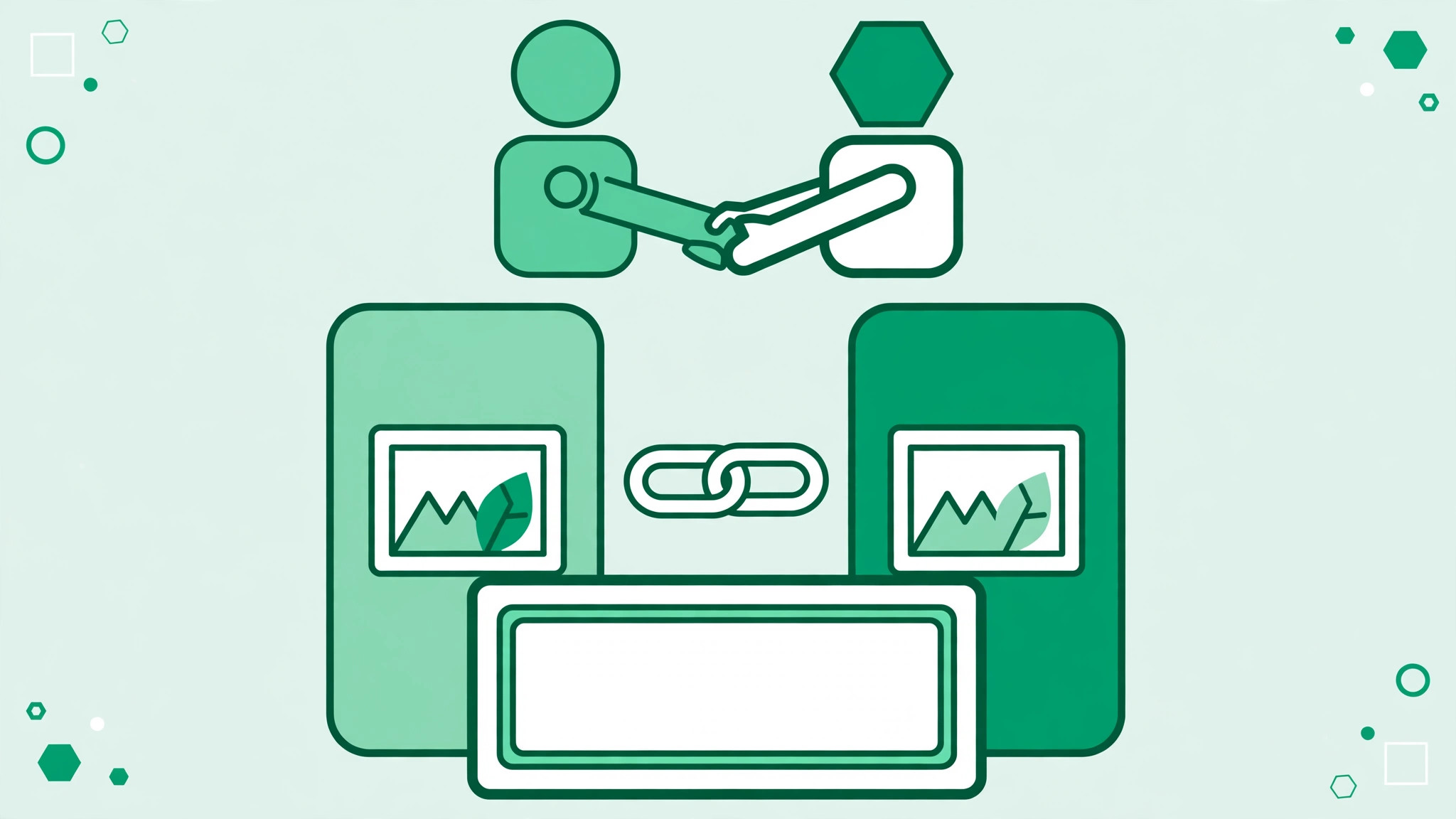
When the invite is accepted, the post appears on both profiles, and both audiences can like and comment on the same post.
What an Instagram Collab Post Actually Is
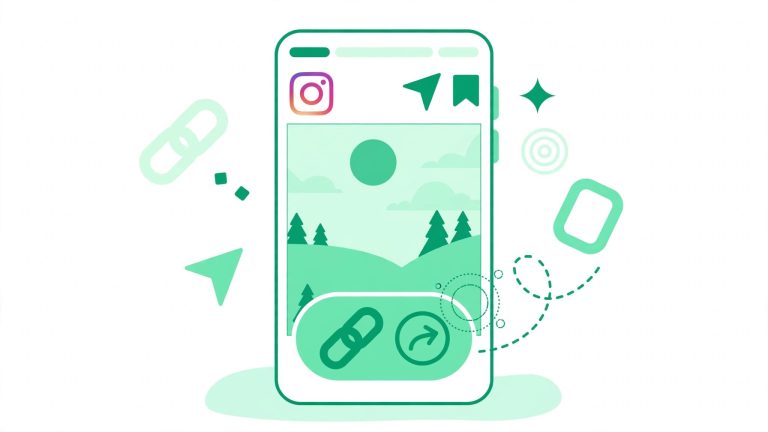
A collaboration post is a single post or Reel shared by two accounts at once. The original creator sends an invite, and once the other person accepts, the post shows on both profiles with both names at the top. Likes, comments, and views are combined on that one post instead of being split across two separate uploads. This differs from a plain tag, which only links to a profile.
The Correct Path to Send a Collab Invite
- Create a feed post or a Reel. Collabs do not work on Stories.
- On the sharing screen, tap Tag People.
- Tap Invite Collaborators, then search for the account and select it.
- Share the post. The invite is sent at the moment you publish.
- Ask your partner to accept the invite from their direct messages or notifications.
Until the invite is accepted, the post appears only on your profile.
Fix 1: Update the Instagram App
An outdated app is the most common reason the Invite Collaborators option is missing. Older versions may not show the button at all. Open your app store, check for an Instagram update, install it, and restart the app. If no update is available, restart the app and check again on a fresh draft.
Fix 2: Switch to a Public Professional Account
Collab invites can only be sent from a public professional account, meaning a Business or Creator account set to public. A personal account may not see the invite option, and a private account cannot send collab invites at all. To fix this, go to Settings, then Account type and tools, and switch to a professional account. Make sure the account itself is set to public, not private.
If switching is not an option right now, ask the other person to create the post and invite you instead: a private account can receive and accept collab invites, it just cannot send them.
Fix 3: Check Your Account Status
Guideline strikes and restrictions can quietly remove features. Open Settings, then Account Status, and look for any violations, removed content, or limits on your account. If you see a warning, follow the steps Instagram gives to review or appeal it. Features often return once the restriction is lifted.
Fix 4: Check the Recipient’s Tag Settings
Sometimes the problem is on the other side. If your partner has tag permissions set to allow tags only from people they follow, or has manually approve tags turned on, your invite may not go through smoothly. Ask them to open Settings, then Tags and mentions, set it to allow tags from everyone, and turn off manual approval while you test the invite. They can change the setting back afterwards if they prefer tighter control.
Fix 5: Confirm the Invite Was Sent and Accepted
Collab invites arrive through direct messages and notifications, and they are easy to miss in a busy inbox. Ask your partner to check their message requests and notifications tab, not just their main inbox. If they accepted but the post still does not show on their profile, ask them to check whether they tapped the wrong option. Accepting the invite is what publishes the post to their grid.
Fix 6: Understand Why a Collab Vanished
If a collab post was visible on both profiles and then disappeared from one, the partner likely used the Stop sharing option, which removes the post from their profile without deleting it from yours. A block between the two accounts will also end the collaboration. You cannot reverse this from your side. Talk to your partner and, if you both agree, create a fresh post and send a new invite.
Fix 7: Stop Spamming Repeated Invites
Sending the same invite over and over does not speed things up, and it can annoy your partner or trigger temporary limits. Send the invite once and give your partner time to accept. If the first invite failed, delete the draft, fix the underlying issue first, and then send one clean invite on a new post.
Fix 8: Check Your Connection and Wait Out Outages
A weak connection can interrupt publishing, and Instagram outages can temporarily break features for many users at once. Switch between mobile data and Wi-Fi, restart the app, and retry. If many creators report the same problem on the same day, the cause is likely on Instagram’s side, and waiting a few hours is the right move.
Fix 9: Try a Clean Test Post
If nothing else works, run a controlled test: ask a friend with a public professional account to create a test Reel and invite you. If you can accept it, the issue is with your sending setup. If they cannot invite you either, the problem is likely your account type, tag settings, or a restriction.
Quick Checklist Before You Post Again
- You are creating a feed post or Reel, not a Story.
- You tapped Tag People, then Invite Collaborators, not just a plain tag.
- Your app is fully updated and restarted.
- Your account is a public Business or Creator account.
- Your Account Status shows no active restrictions.
- Your partner allows tags from everyone and manual approval is off.
- Your partner checked message requests for the invite.
- You sent one invite and waited for acceptance.
How Collabs Fit Into a Growth Strategy
Collabs work best when the two audiences genuinely overlap. Plan the content together and agree on the caption and call to action. A clear bio helps turn collab viewers into followers, so polish it with a tool like a Instagram bio generator, and read up on how to get more followers on Instagram for the habits that keep new visitors around. Set realistic expectations: a collab can bring real new eyes to your profile, but it does not guarantee a specific number of followers. For more free resources, visit free Instagram growth tools and build collabs into a routine rather than relying on a single viral post.