How to Use the Instagram Guides Feature: The Complete 2026 Guide
The Instagram Guides feature lets you bundle your existing posts, recommended places, or products into one curated, scrollable page with your own commentary. Think of a Guide as a mini blog post that lives on your profile: a cover image, a title, an introduction, and a list of entries people can scroll through vertically. Learning how to use the Instagram Guides feature can turn your scattered old posts into evergreen resources that keep working long after a regular post disappears down the feed.
This guide explains what Guides are, the three types you can create, the exact steps to publish your first one, and the smartest ways creators and businesses use them for growth.
What are Instagram Guides
Instagram Guides are curated collections of already-published content presented in a magazine-style, blog-like format. Each Guide includes a cover image, a title, and an introduction, followed by your entries. People can scroll through, read your notes on each item, and tap through to the original posts. The content you link can come from your own feed posts, posts you have saved, collaborative posts, location-tagged places, or products listed on Instagram shops. A single Guide can hold up to 30 items, and you add titles and descriptions to every entry because the Guide does not automatically pull in captions from the original posts.
Guides are evergreen. They live permanently on your profile instead of vanishing down the feed, which makes them perfect for your best content, FAQs, product picks, and step-by-step resources.
The three types of Instagram Guides
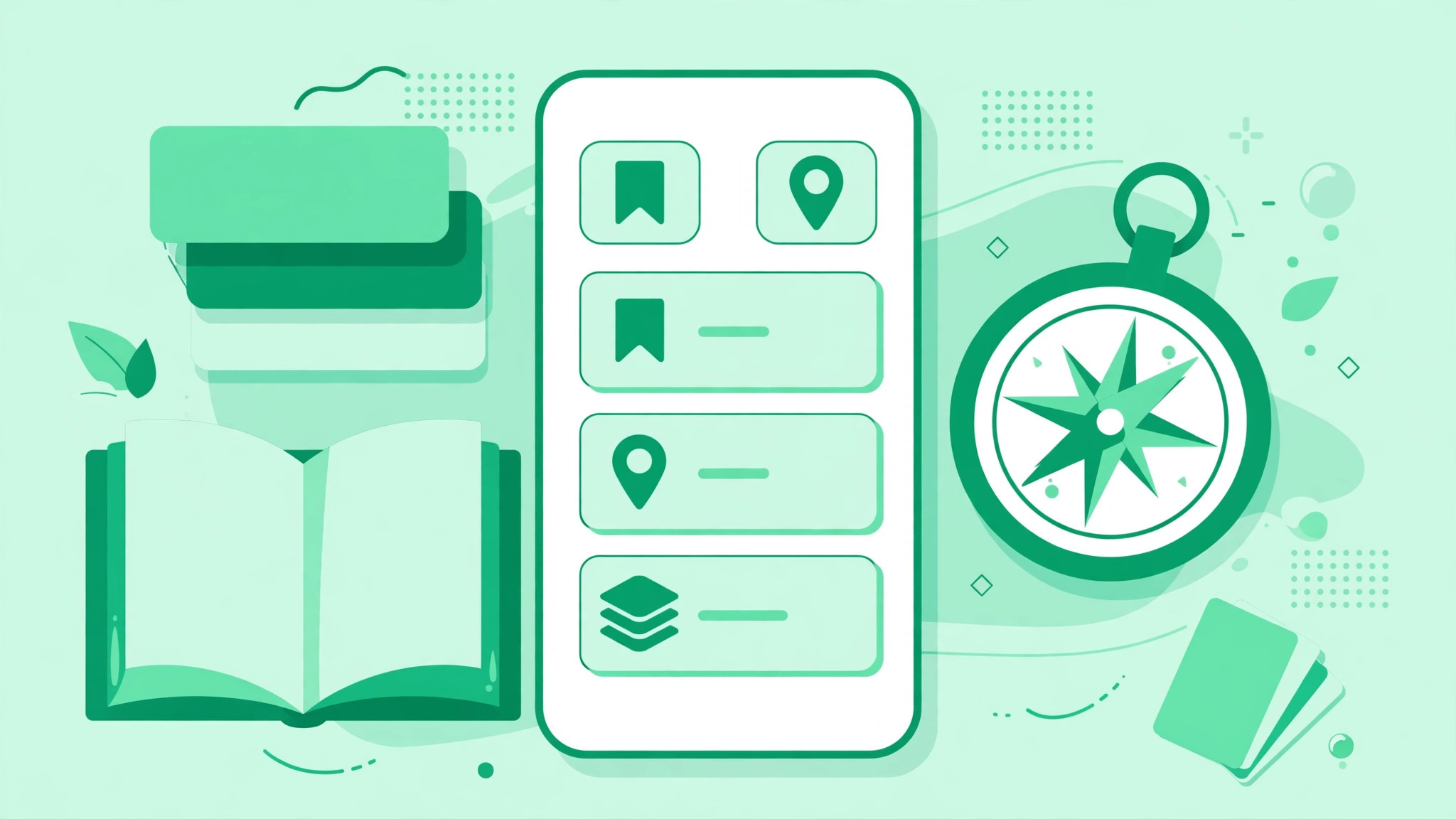
- Posts: the most popular type. Choose between your own posts and posts you have saved. To include another creator’s post, save it first with the bookmark icon. Adding someone else’s content sends them a notification. Reels shared to your feed can be included, but Stories cannot.
- Places: built around locations. Browse Instagram locations and add related posts to each place. Ideal for travel creators, food bloggers, and local businesses.
- Products: built around items from Instagram shops. Perfect for reviewers and businesses that want a mini-catalog on their profile.
For most creators, the Posts type is the starting point. The other two shine when your content is naturally tied to places or products.
Where to find Guides on Instagram
Published Guides live on a dedicated profile tab. Look for the booklet icon between the photo grid icon and the tagged photos icon. If you do not see the icon on someone’s profile, they have not published any Guides yet. You can also share a Guide to your Stories or send it through Direct Messages, which is how most people actually discover Guides.
How to create your first Instagram Guide: step by step
- Step 1: go to your profile and tap the plus icon in the top-right corner.
- Step 2: select Guide from the create menu. If you do not see it, update your app.
- Step 3: choose your Guide type: Posts, Places, or Products.
- Step 4: select the items to include, from Your Posts or All Saved. The limit is 30 items per Guide. Tap Next.
- Step 5: add a title and introduction. A Guide must have a title or you will get an error. Write the title like a blog headline, and keep the introduction to three or four lines about what the Guide covers and who it is for.
- Step 6: add a title and short description to each entry. This is where the real value lives: explain why each post matters or what to notice, since the Guide will not pull captions from the original posts.
- Step 7: change the cover photo if you want, then preview the Guide, read it top to bottom as a stranger, and hit Share. It is now live on the Guides tab of your profile.
Smart ways to use Guides for growth
- The starter pack: bundle your five to ten best posts for new followers, and mention the Guide in your bio or Story highlights.
- FAQ roundups: collect the posts that answer your most-asked questions into one Guide instead of repeating yourself in DMs.
- Step-by-step tutorials: order your how-to posts into a sequence a beginner can follow in one scroll.
- Product roundups and gift guides: curate favorites with honest commentary. These convert well and attract brand attention.
- Collaboration showcases: feature posts from creators you have worked with. They get notified, which often earns you a share back to their audience.
Best practices that make Guides work harder
- Write a headline-worthy title. “5 Skincare Mistakes Beginners Make” beats “My Skincare Posts.”
- Keep one theme per Guide. A scattered Guide gets abandoned halfway.
- Add real commentary to every entry. A sentence of context turns a link dump into something worth reading.
- Order entries deliberately. Strongest item first, and end with a clear next step like following you.
- Promote every Guide. Share it to Stories when it publishes and save it to a highlight. A Guide nobody can find helps nobody.
Guides and the bigger growth picture
Guides work best as part of a profile that already converts visitors into followers. A Guide gives a curious visitor a reason to stay and scroll, but only if your profile makes a strong first impression. Keep your bio sharp with an Instagram bio generator, and keep publishing the content that fills your Guides with fresh material. If you are building from scratch, our guide on how to get more followers on Instagram covers the organic playbook, and a free Instagram followers trial can give a new account early momentum while your Guides turn visitors into long-term followers.
Common questions about Instagram Guides
Who can create Guides? Any account with the feature in the create menu. If you do not see it, update the app.
How many items can a Guide hold? Up to 30 posts, places, or products.
Can I add other people’s posts? Yes, but you must save the post first, and Instagram notifies the original creator.
Can Guides include Reels? Reels shared to your feed can be added. Stories cannot.
Can I edit a Guide after publishing? Yes, you can add or remove items and edit titles and descriptions after it is live.
The Instagram Guides feature rewards creators who think in collections instead of single posts. Start with one Guide that bundles your best work for newcomers, promote it in your Stories, and watch a little curation turn old content into a follower-converting asset that works while you sleep.